

Most articles on this topic ask you to pick a side. The trouble is that both sides run on the same machines. Kinsta hosts on Google Cloud. WP Engine hosts on AWS. So the comparison, as it usually gets written, compares almost nothing.
One note before we go further. FlyWP sells a managed plan and a bring-your-own-server plan, so we have a foot in both camps. Read the numbers below with that in mind.
TLDR
- Managed WordPress hosting and cloud hosting are not rival categories, because the major managed hosts already run on public cloud
- The real choice is who operates the server, the host, you, or a control panel sitting in between
- Billing unit separates the three models more than performance does, per site and per visit against per server
- Which model fits comes down to how many sites you run and whether anyone will read a server log at 2am
See What Managed Hosts Actually Run On
Every premium managed WordPress host rents its infrastructure from a public cloud provider. They do not own data centers. They buy compute from the same three or four companies you could buy it from directly.
| Managed host | Underlying infrastructure |
|---|---|
| Kinsta | Google Cloud, compute optimized C2 and C3D machines |
| WP Engine | AWS and Google Cloud, with Azure on enterprise tiers |
| Cloudways | DigitalOcean, Vultr, AWS, Google Cloud, and Linode |
Look at that table again. Kinsta is cloud hosting. WP Engine is cloud hosting. Cloudways is a management layer on top of five cloud providers, one of which you can sign up for yourself in about four minutes.
So “managed versus cloud” describes a service model, not a technology. Both words point at the same servers. If you want the plain definition of the underlying thing, we wrote one in what is a cloud server.
That leaves a real question hiding behind the fake one.
Choose Who Operates the Server, Not Which Label You Like
Three models exist. Each one answers the same question differently, and that question is who does the server work.
- The host runs it. You never see the machine.
- You run it. You rent a raw server and do everything yourself.
- A control panel runs it on your server. Software handles the stack while you keep the keys.
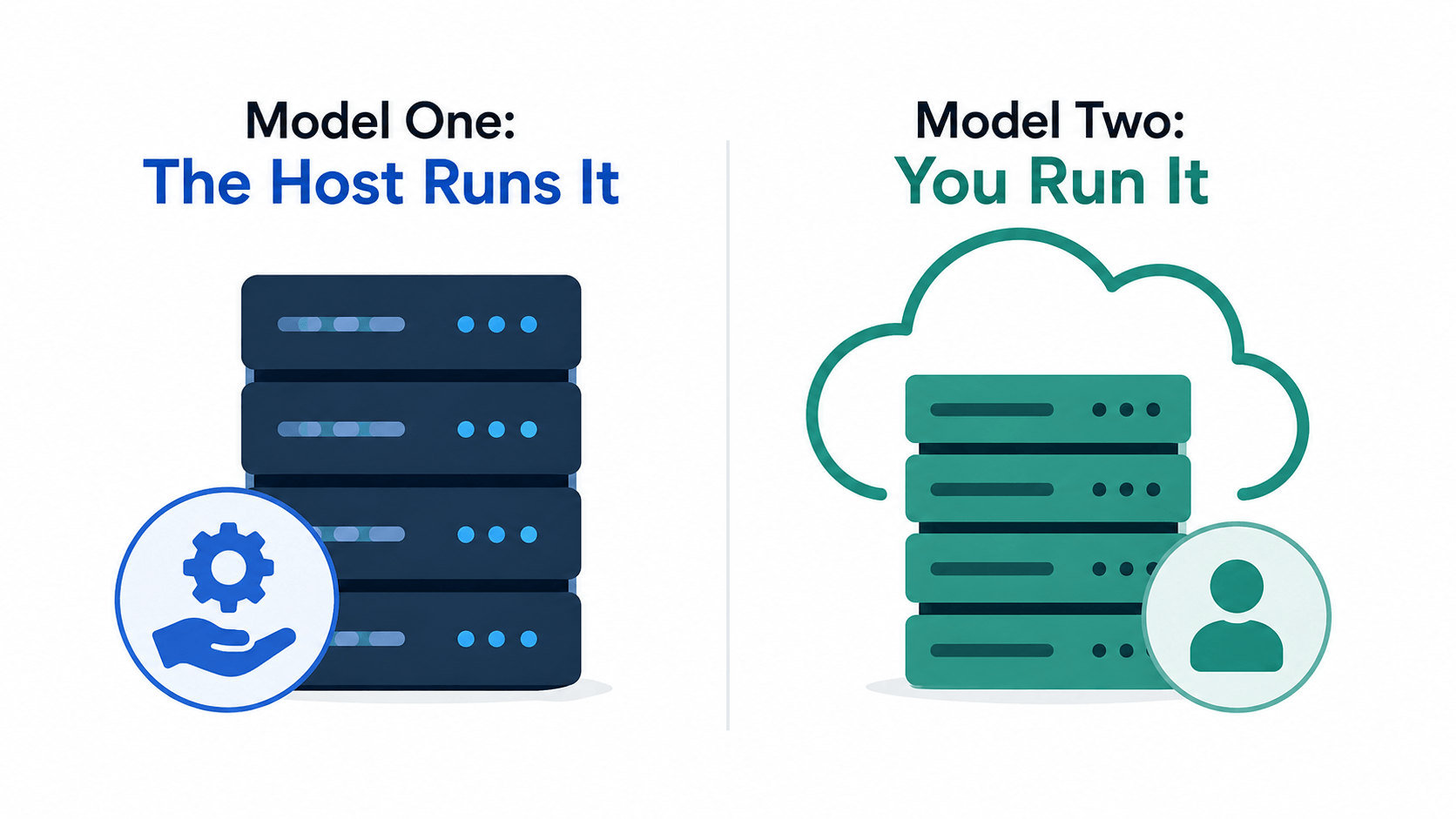
Model One: The Host Runs It
Kinsta, WP Engine, and SiteGround fall here. You upload a site, and the company handles the rest. Patching, caching, firewalls, and backups all happen without you.
What you give up is access. No root, so no custom PHP extensions and no second application on the box. Many hosts also restrict plugins. Moving out later takes real work, which is why people search for managed host alternatives more often than you might expect.
Model Two: You Run It
Here you rent a server from DigitalOcean or Hetzner and build the stack yourself. The bill drops sharply. The work does not.
The actual job list looks like this. Install and tune Nginx. Configure PHP-FPM. Set up MariaDB. Renew certificates. Run fail2ban. Schedule cron. Patch the operating system every month, forever. Our WordPress VPS deployment guide walks the whole sequence, and it is worth skimming just to see the size of it.
Plenty of developers enjoy this. Most site owners do not.
Model Three: A Control Panel Runs It on Your Server
FlyWP, RunCloud, GridPane, SpinupWP, and Ploi sit in this middle position. The panel provisions the server, builds the stack, and handles the recurring maintenance. You still own the server and keep root access.
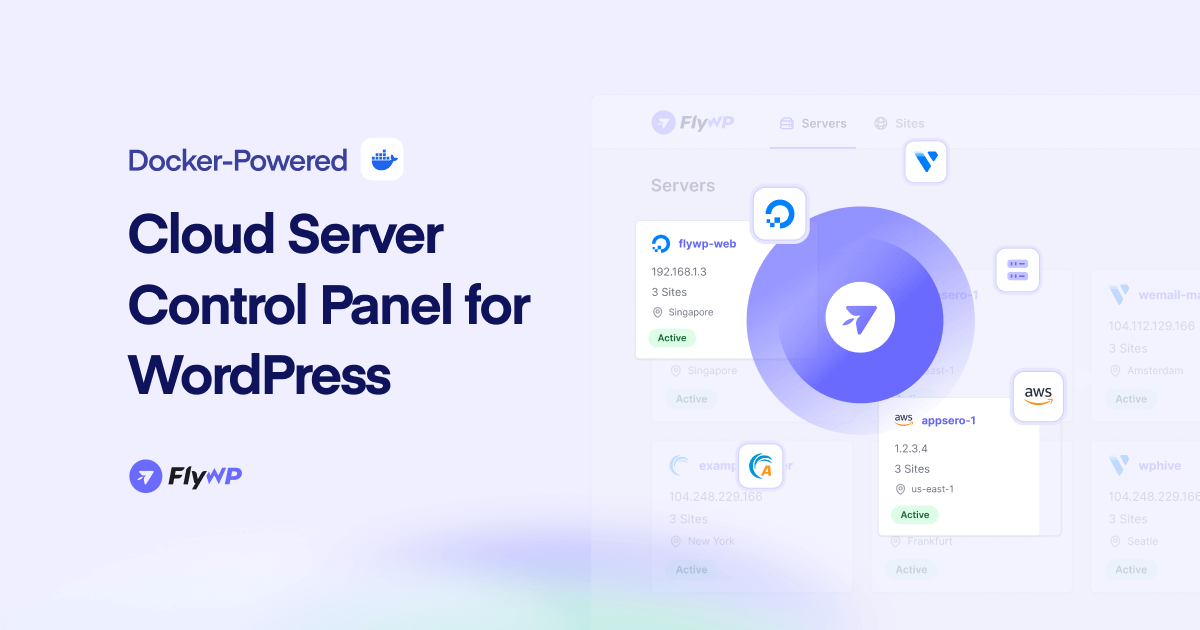
Isolation works differently here too. Some panels put each site in its own Docker container, which we explained in Docker versus traditional WordPress hosting. To see the wider field, we compared the options in the best WordPress cloud server management platforms.
Compare the Three Models on What Actually Differs
Marketing pages compare speed and support. Those rarely decide anything, since all three models can be fast. These six things genuinely differ.
| Host runs it | You run it | Panel runs it | |
|---|---|---|---|
| Who patches the OS | The host | You | The panel |
| Root access | No | Yes | Yes |
| Plugin restrictions | Common | None | None |
| How you scale | Change plan tier | Resize the server | Resize the server |
| Cost to leave | High | None | Low |
| Billing unit | Per site, per visit | Per server | Per server |
One row deserves a correction, because half the internet gets it wrong. Cloud hosting does not scale itself. A single cloud server holds the resources you gave it until you change them. Managed plans work the same way, since going past your tier means moving to a bigger tier. Automatic scaling exists, but it needs load balancers and a setup most WordPress sites never get, as we covered in WordPress hosting for high traffic sites.
Compare What Each Model Charges For, Not What It Charges
Entry prices tell you less than the billing unit does. Two of these companies sell you a site. Two sell you a server. Every other difference follows from that one decision. Prices below were checked on August 12, 2026, on monthly billing.
| Kinsta | WP Engine | FlyWP Managed | FlyWP BYOS | |
|---|---|---|---|---|
| Entry price | $35 | $30 | $8 | $5 per server |
| Sites included | 1 | 1 | Unlimited | Unlimited |
| Visit cap | 35,000 | 25,000 | None | None |
| Storage | 10GB | 10GB | 25GB | Your server |
| Billing unit | Per site, per visit | Per site, per visit | Per server | Per server |
Storage compares cleanly. Eight dollars buys 25GB. Thirty-five dollars buys 10GB.
The visit cap matters more. Kinsta and WP Engine both count unique IP addresses each day, then charge overage fees once you pass the limit. The other model has no meter at all. So a traffic spike arrives as an invoice on one side and as a resource question on the other.
Now the honest part. Unlimited sites on an $8 plan means 1GB of RAM and one vCPU. That holds a handful of small sites, not twenty. Physics sets that limit, not policy. What actually changes between the models is that one charges you when you add the next site and the other does not.
Entry pricing is also where these models sit closest together. Per-site pricing compounds as you grow, so the starting number is managed hosting at its most competitive. For provider rates and the fees that hide underneath them, read cloud server costs explained.
Count the Freedom Managed Hosting Charges You For
Four costs never appear on a pricing page. They show up later, usually when you try to do something ordinary.
- Add-ons billed per site
- Banned plugin lists
- No root access
- Friction on the way out
Add-Ons Billed Per Site
Per-site billing does not stop at the plan. It runs through the add-on menu too.
Kinsta lists Redis object caching at $100 per site each month. On the $35 entry plan, adding object caching costs nearly three times the hosting itself.
The same pattern repeats elsewhere. An extra WordPress site costs $30 each month. Hourly backups cost $100 per site each month. Every panel in model three includes Redis at no extra charge, which we explained in Redis object caching for WordPress.
Banned Plugin Lists
WP Engine keeps a list of plugins you cannot install. It mostly targets third-party caching and backup plugins, since the platform handles both itself. That reasoning is sound. It still means a plugin your client insists on may simply not run.
No Root Access
Without root you cannot add a custom PHP extension, run a queue worker, or host a second application beside WordPress. Small teams rarely need any of that on day one. Then a client asks for one integration, and the wall appears.
Friction on the Way Out
Managed platforms make arriving easy and leaving tedious. Proprietary caching, platform-specific staging, and locked server config all have to be undone. Our guide to transferring a WordPress site covers the mechanics.
What the Premium Actually Buys
Those numbers look one-sided, so here is the other half. Managed hosting is not overpriced. It is priced for a different buyer.
Kinsta puts every site in its own container with dedicated PHP workers. Twenty sites on one small server share that server, and Docker containment stops a security breach without stopping a busy site from eating CPU.
Kinsta also includes Cloudflare Enterprise, a managed firewall, free malware removal, and unlimited migrations handled by their own team. Those are genuine costs, not markup. And a control panel does not answer the phone, while managed hosts staff WordPress engineers around the clock.
One store making real money is buying insurance. Twenty client sites are buying twenty copies of insurance they need once.
Ask These Four Questions to Pick Your Model
Skip the feature lists. Four questions settle it.
How Many Sites Will You Run in Twelve Months?
One or two sites make managed hosting reasonable, because the price gap stays small. Past roughly five sites, per-site billing starts compounding while per-server billing stays flat. That single curve is why agencies drift toward model three.
Can Anyone on Your Team Read a Server Log at 2 am?
Answer honestly. If nobody can, and nobody wants to learn, model two is off the table. Model one or model three are your options, and the difference between them is money rather than skill.
Do You Need Root for Anything, Now or Later?
A custom extension, a background worker, a staging tool, or a non-WordPress app all need root. If any of that is plausible within a year, models two and three stay open while model one closes.
Who Pays When Traffic Triples for One Week?
On metered plans, you do, through overage fees. On server-based plans, you resize for a week and resize back. Neither answer is wrong. But you should know which one you signed up for.
Frequently Asked Questions About Cloud and Managed Hosting
Is cloud hosting the same thing as a VPS?
Close, but not identical. A VPS is one virtual machine carved out of one physical server. Cloud hosting usually means virtual machines running across a pooled network of hardware, which makes them faster to move and rebuild. For WordPress, the day-to-day experience is much the same.
Does cloud hosting really scale automatically?
Not on its own. Marketing copy suggests otherwise, but a standard cloud server keeps the CPU and RAM you assigned until you change them. Real automatic scaling needs load balancers and multiple servers, which is a bigger build than most WordPress sites require.
What happens if my server goes down at 2 am and nobody manages it?
The site stays down until somebody acts. Uptime monitoring will alert you, and a control panel makes restarting services quick, but neither one wakes up for you. Managed hosting is the only model where somebody else is already awake.
Can I move from managed hosting to my own server without downtime?
Yes, with planning. Copy the site to the new server, test it on a temporary domain, lower your DNS TTL a day ahead, then switch. The risky part is usually proprietary caching or platform-specific settings that need rebuilding, not the file transfer.
Do I need Linux skills to run WordPress on DigitalOcean?
Not with a control panel. Raw setup needs comfort in a terminal. A panel reduces the job to picking a size and a region, which we walk through in how to host WordPress on DigitalOcean.
What happens to my sites if the control panel company shuts down?
Your sites keep running, because the stack lives on your server rather than the panel’s. You lose the dashboard and the automation, so you would need another panel or manual management. That is a real difference from managed hosting, where the platform disappearing takes your sites with it.
Pick the Model, Then Pick the Vendor
The choice was never managed WordPress hosting versus cloud hosting. Those two things run on the same servers. What you are really choosing is how much of the server you want to touch, and what you are willing to pay somebody else to touch it for you.
Answer the four questions above, then compare vendors inside the model you picked. If model three sounds right, our pricing page shows both routes side by side.