


Enhancements & Fixes – 30 April, 2024
✅ Fixing Backup on ARM processor: There were some cases when the backup feature wasn’t working properly for ARM based … Read more
Launch your own hosting brand with FlyWP White Label Explore Plans →
All the latest updates, improvements, and fixes to FlyWP.
✅ Fixing Backup on ARM processor: There were some cases when the backup feature wasn’t working properly for ARM based … Read more
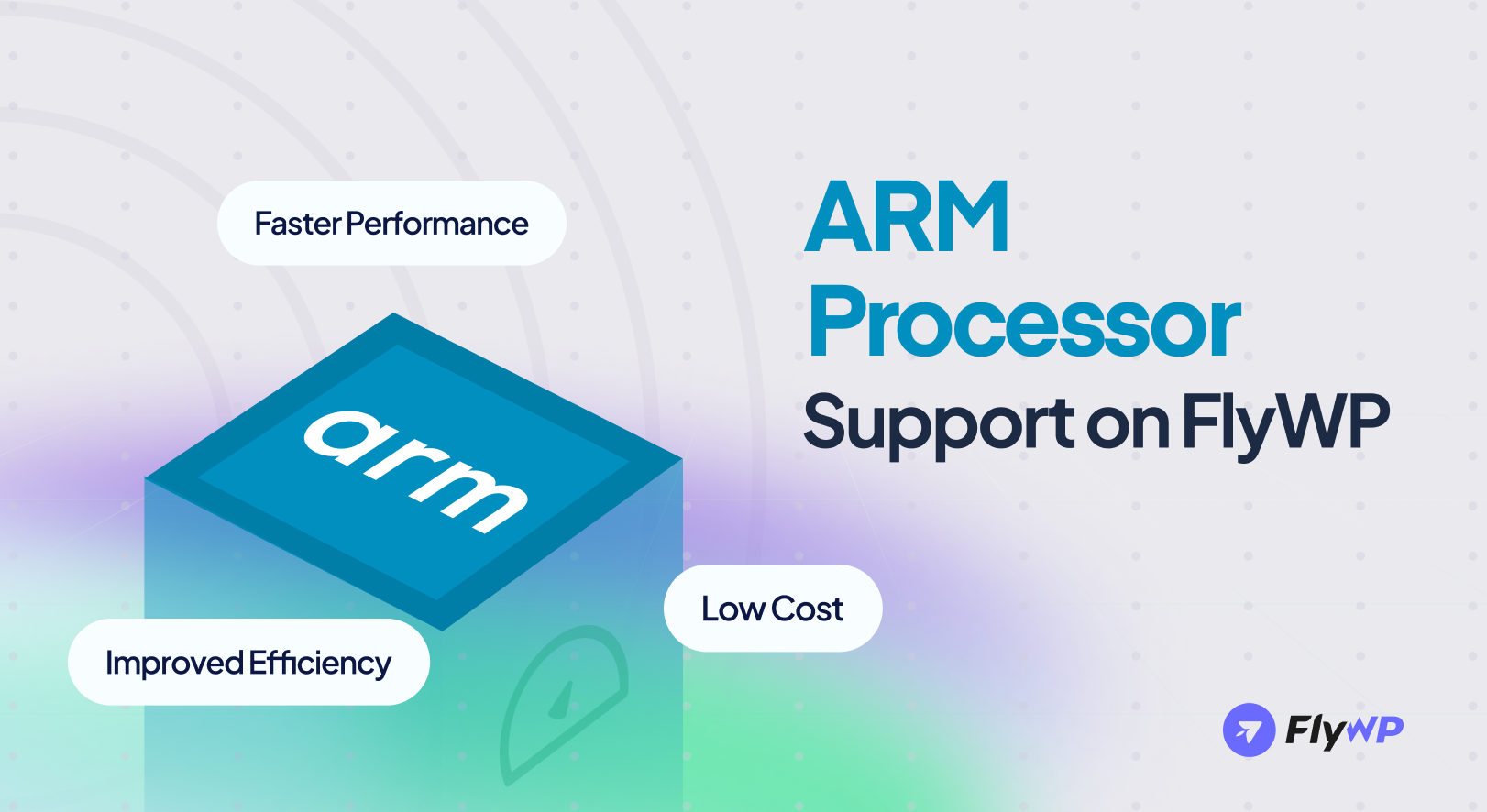
We’re thrilled to announce a major enhancement to FlyWP: support for ARM processors! 🎉
This enhancement brings a new level of performance, efficiency, and compatibility to your FlyWP-powered websites.
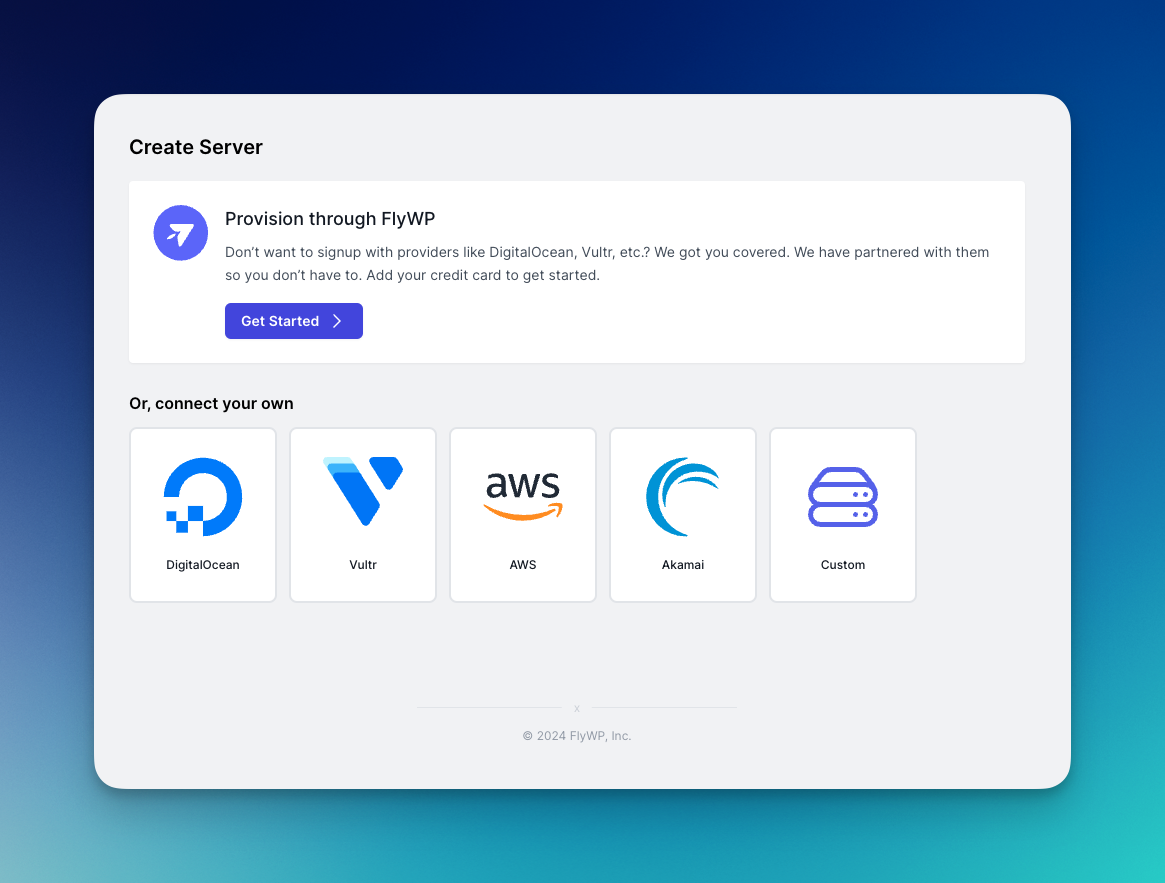
We’ve just launched a big new feature that makes getting started with FlyWP easier than before.
When you try to create a new server, you’d now see a brand-new section “Provision through FlyWP” on top of the server creation page. Previously, to get started with FlyWP you required a server to get started, as FlyWP lacked the feature to provision server on its own. Well, that’s a thing of the past now.
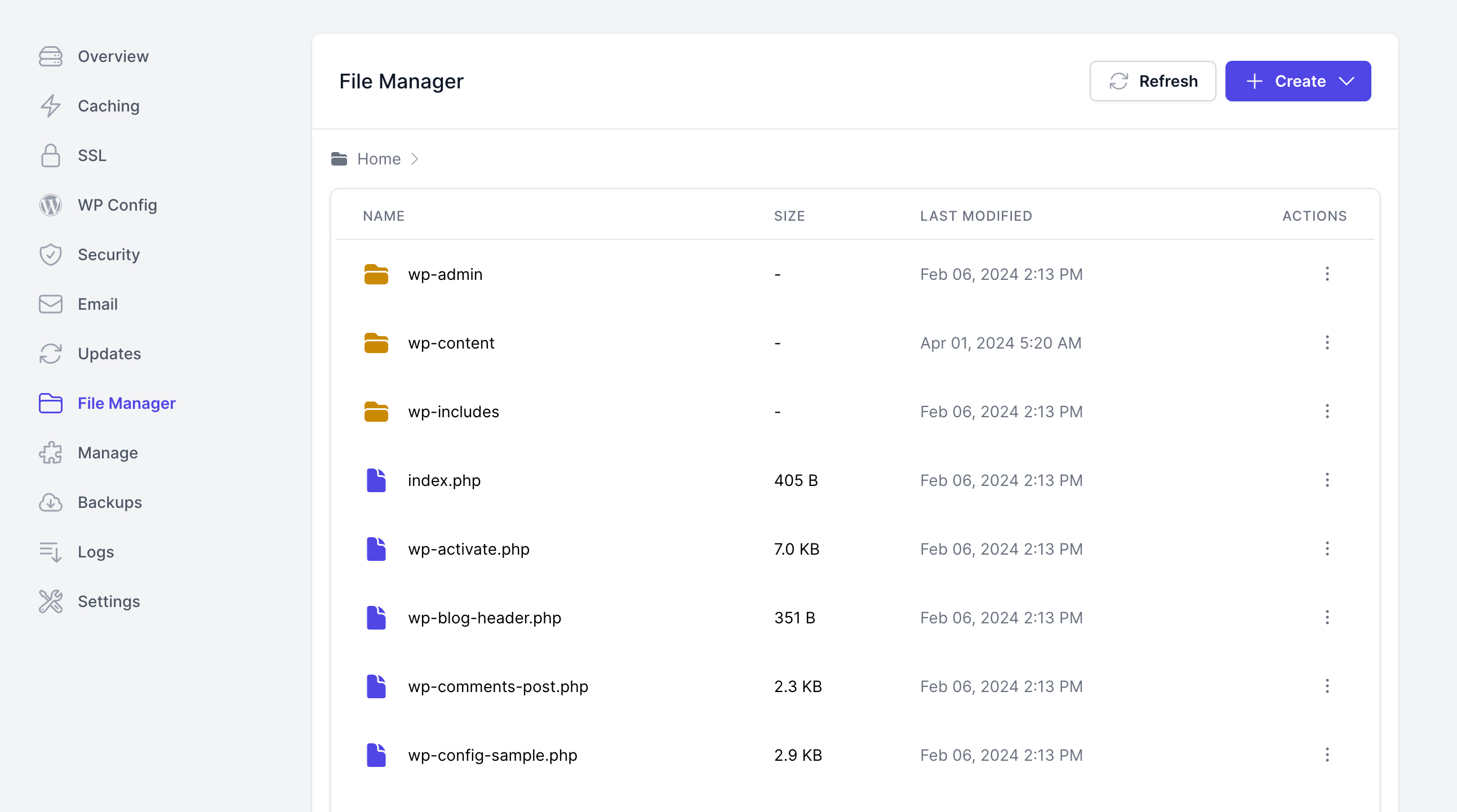
Good news from FlyWP! Managing your website’s files has become easier with our new SFTP File Manager integrated directly into … Read more
We’re excited to share the latest updates that enhance the management and security features of FlyWP. We have added two “Manage” sections for servers and sites.
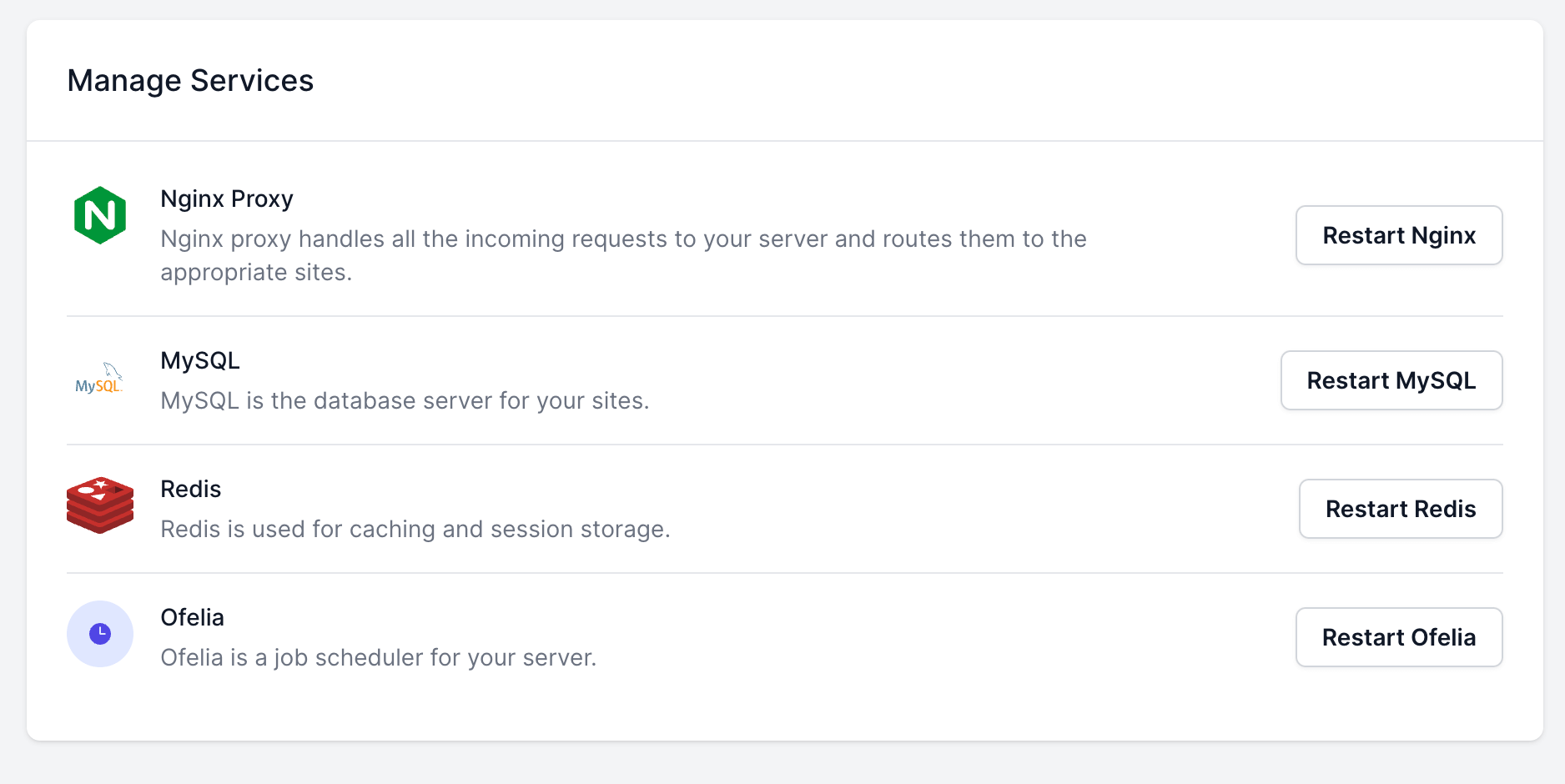
For Server:
Now, you have the flexibility to utilize either a custom SMTP server or one from our list of supported providers for sending emails. No longer is it necessary to employ a custom SMTP plugin within your WordPress site. We’ve streamlined the process by automatically configuring the email sending settings for you natively.
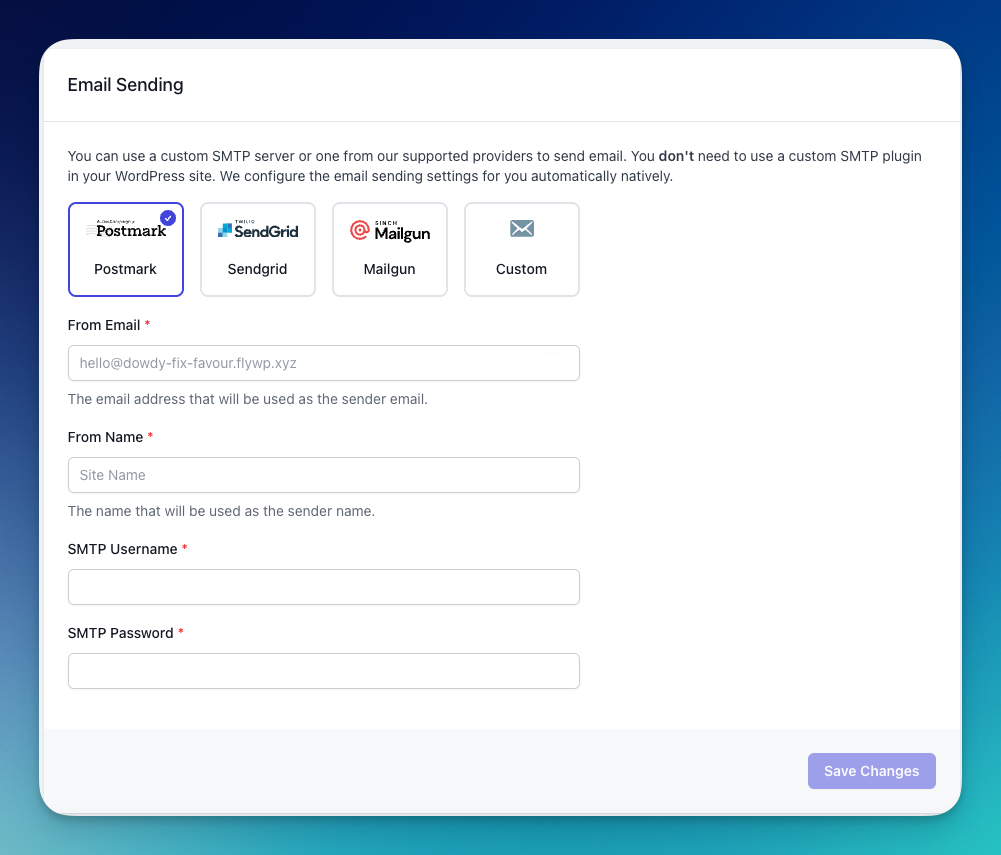
Our integration seamlessly supports the following providers:
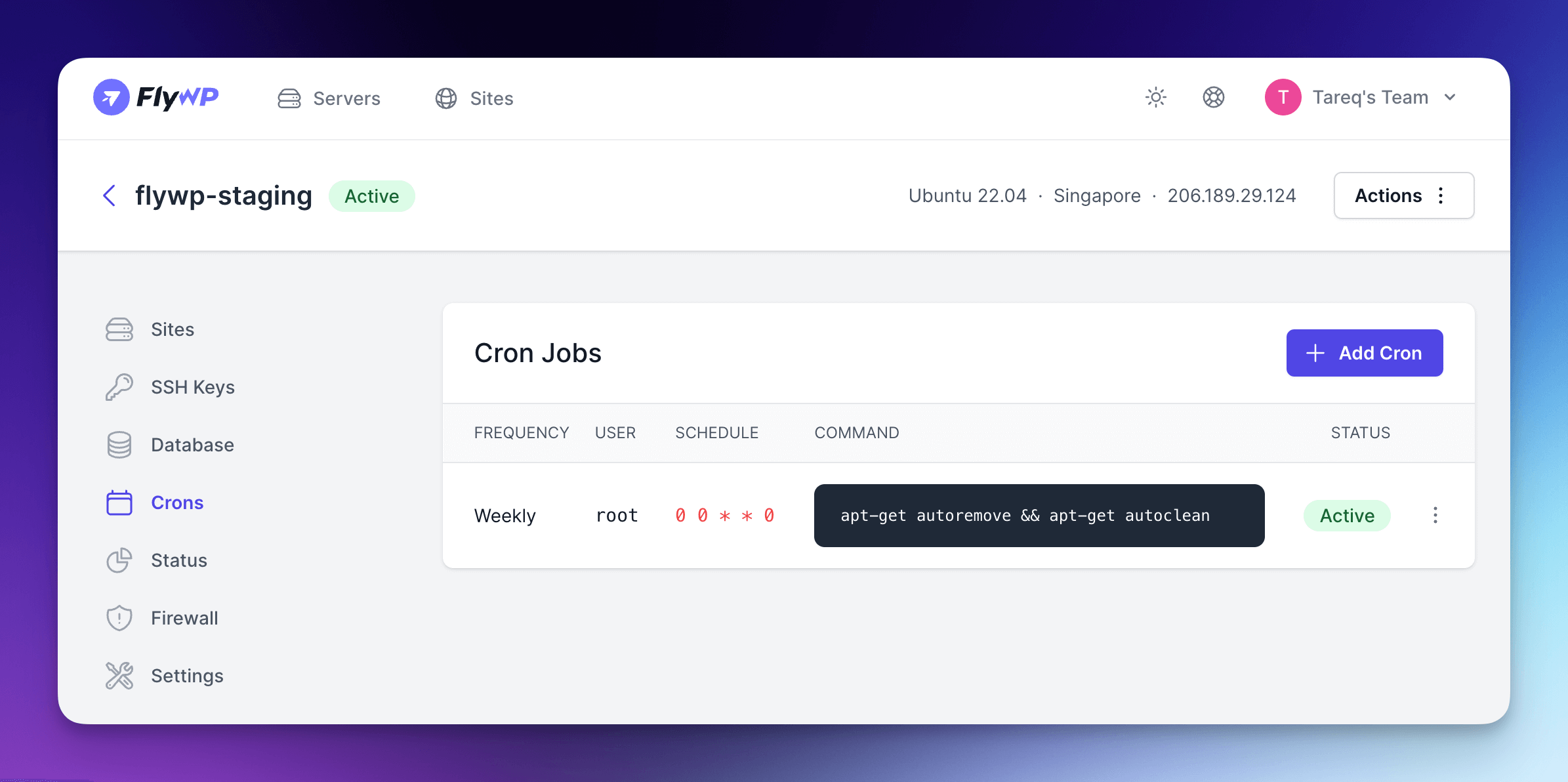
We’re pleased to announce the release of a highly requested feature: the ability to manage Cron Jobs directly from the … Read more
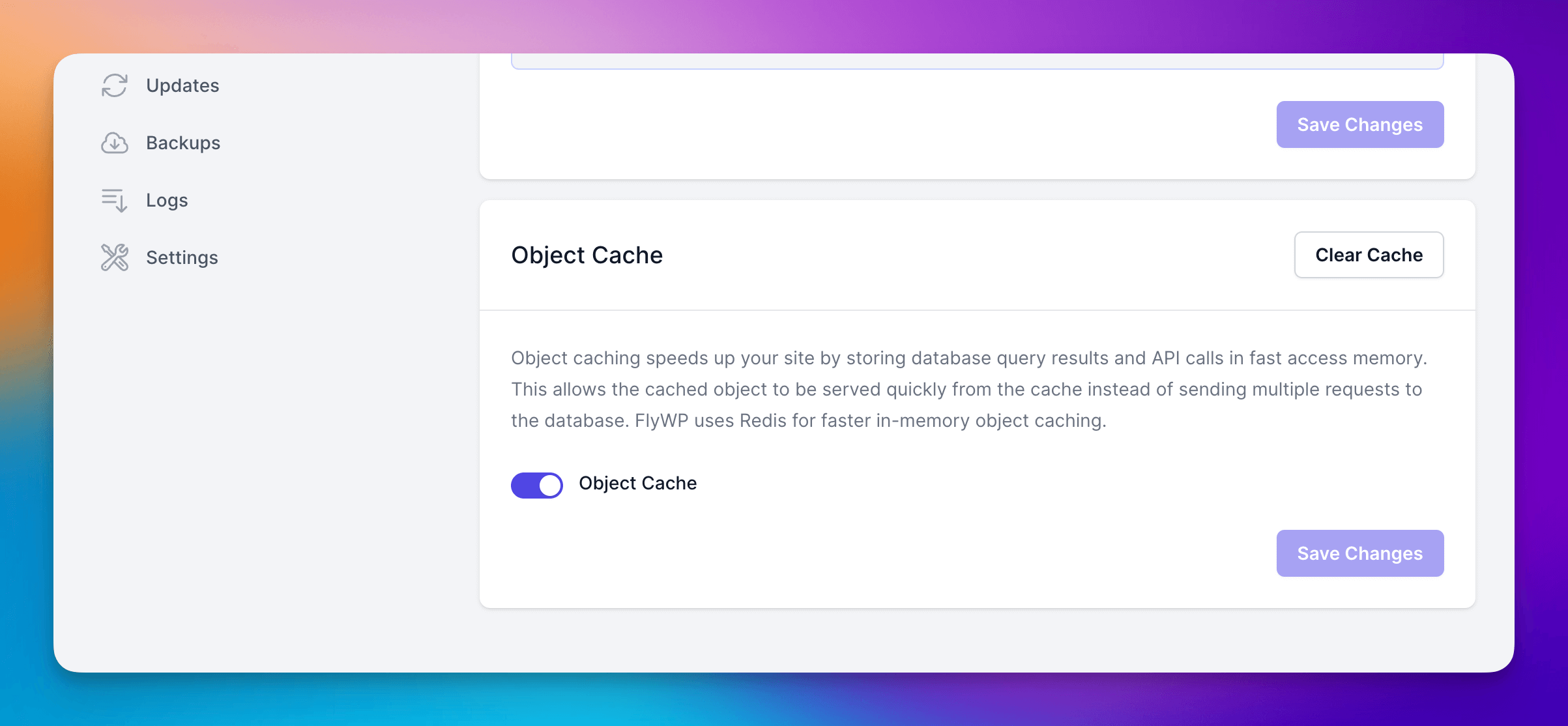
We’re excited to announce an update that streamlines the caching management experience for FlyWP users. Redis Object Cache control is … Read more
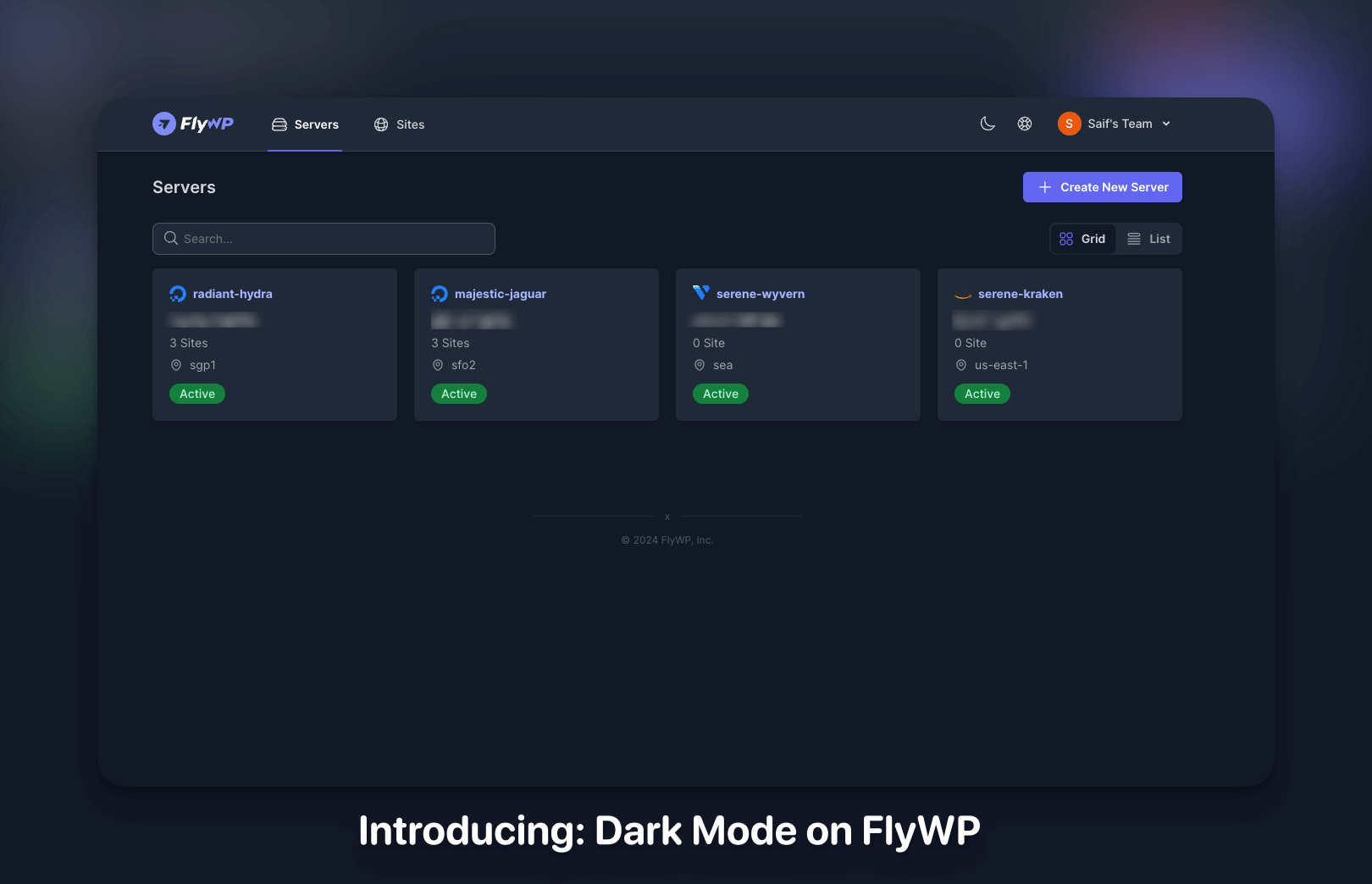
We’re thrilled to unveil the latest enhancement to your FlyWP experience: Dark Mode! Say goodbye to eye strain and hello … Read more
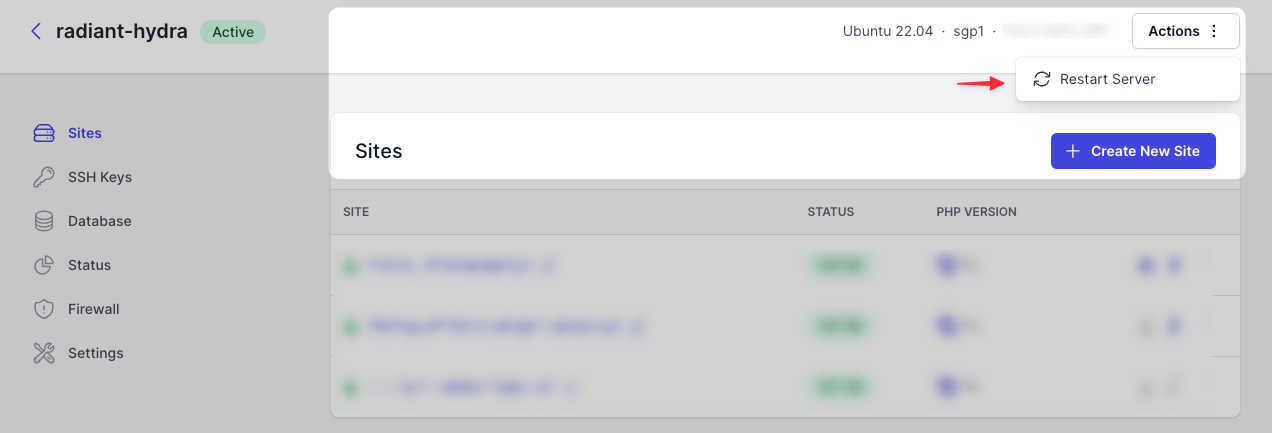
When you go to “Actions” you can now restart a server from FlyWP dashboard. Navigate and click on “Restart Server” … Read more
We are excited to announce a new feature that greatly simplifies the workflow for developers and site administrators: Git repository … Read more
Now when you login and access any site, you can