v2026.57
New in FlyWP: Docker Compose Apps, Better Deployments & More
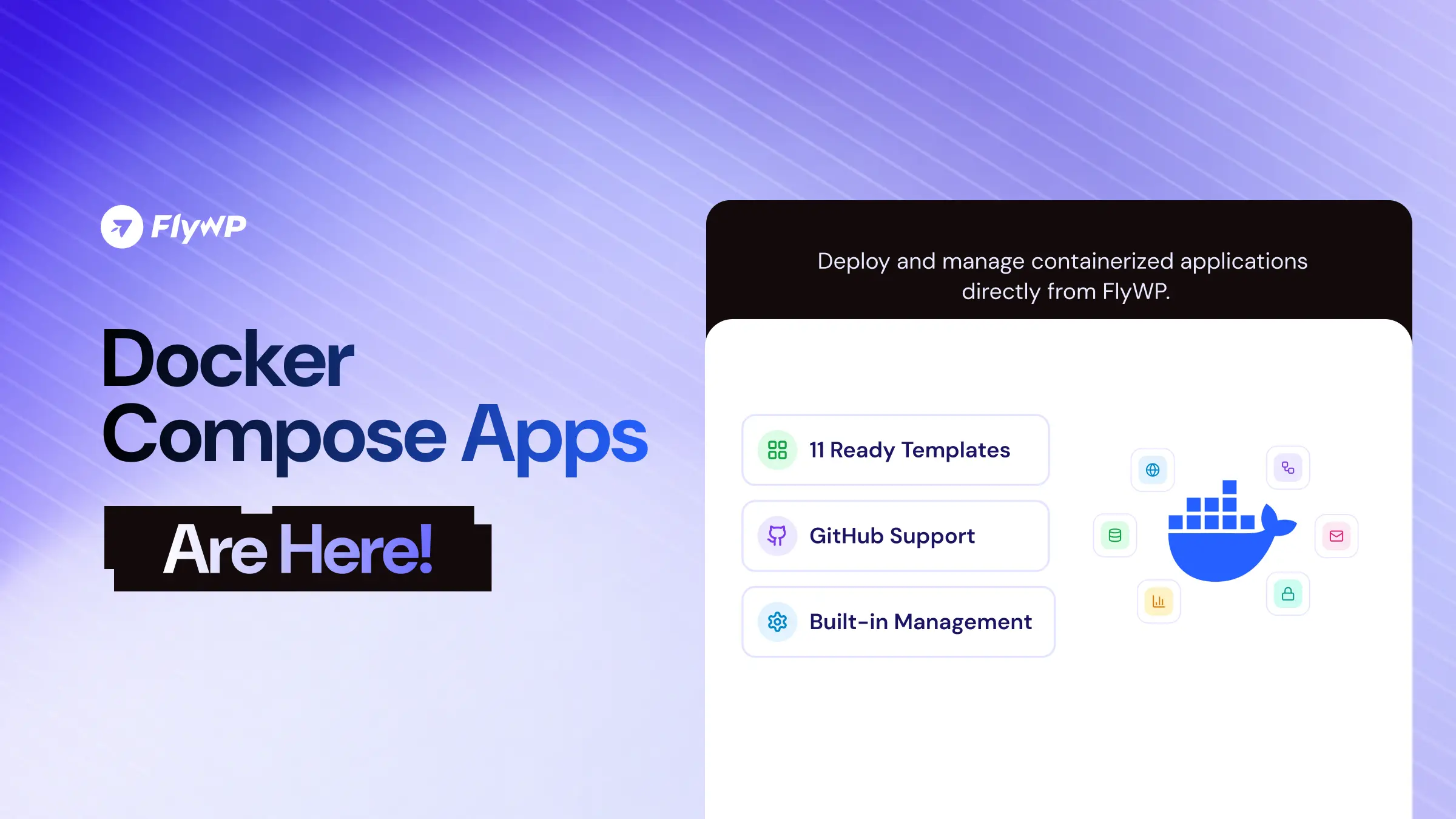
FlyWP v2026.57 introduces Docker Compose Apps, giving you the flexibility to deploy and manage containerized applications directly from your FlyWP dashboard.
Whether you’re deploying a ready-made application or bringing your own Docker Compose configuration, FlyWP makes it easier to manage applications on your team servers.
Alongside this major addition, we’ve improved Cloudflare DNS management, made team blueprints easier to access, introduced clearer PHP end-of-life warnings, and addressed several reliability issues across deployments, backups, SSL, and WordPress management.
Here’s everything included in this release.
New Features
Docker Compose Apps: Deploy and Manage Containerized Applications
You can now deploy and manage Docker Compose applications directly through FlyWP.
Docker Compose Apps lets you bring your own containerized applications to your team servers without managing the deployment process entirely through the command line.
Getting started is flexible. You can:
- Paste your Docker Compose configuration directly.
- Link to an existing Compose file.
- Pull a Compose file from a GitHub repository.
- Choose from 11 ready-to-deploy application templates.
Before deployment, FlyWP validates your configuration and creates its own safe copy of the Compose file for deployment.
Once deployed, you get a dedicated management interface with everything you need to work with your application:
- Overview: Get a quick view of your application.
- Deploys: Manage and review deployments.
- Configure: Adjust your application configuration.
- Backups: Manage application backups.
- Logs: Inspect application logs.
- Clone: Create a copy of an application.
- Transfer: Move applications between supported environments.
- Advanced: Access additional application management options.
Docker Compose Apps also comes with new Public API support, allowing you to integrate Compose application workflows into your existing processes.
From self-hosted tools to custom containerized applications, this feature gives you more flexibility in what you can run and manage through FlyWP.
Enhancements
Prevent Duplicate Cloudflare DNS Records
Adding a domain that already has an A record in Cloudflare now triggers a prompt to clear the existing record instead of silently creating a duplicate.
This makes DNS management more predictable and helps prevent conflicting records. The ability to delete the existing record is limited to team members with DNS management permissions.
Team Blueprints Now Take Priority
Managing your team’s preferred site configurations is now easier.
Team blueprints appear ahead of global templates, making them easier to find when creating new sites. Teams can also hide global blueprints entirely from both the Blueprints page and the site creation picker.
This gives teams more control over their deployment workflows and keeps frequently used configurations accessible.
Clearer PHP End-of-Life Warnings
FlyWP now clearly identifies PHP 7.4, 8.0, and 8.1 as Outdated & Vulnerable - EOL.
These warnings help users recognize outdated PHP versions and make more informed decisions about maintaining their sites.
Bug Fixes & Reliability Improvements
More Reliable Static Site Deployments
We’ve improved the reliability of static site publishing to handle several deployment issues.
- File and folder conflicts are handled more reliably.
- Deployments send a heartbeat every five minutes.
- Stalled deployment runs are detected, failed, and stopped.
- Available disk space is checked before the crawling process begins.
These changes help prevent deployments from getting stuck and make the static publishing workflow more dependable.
More Trustworthy SSL Renewals
SSL renewal failures now trigger customer notifications instead of failing silently.
Expired certificates also continue to retry renewal attempts, helping ensure that failed renewal attempts don’t go unnoticed.
Reliable Bulk WordPress Updates
Concurrent bulk update operations targeting the same site now queue cleanly instead of conflicting with each other.
FlyWP also reads update results directly over SSH, improving the accuracy of update reporting.
More Precise Bulk Update Scope
Bulk WordPress updates now target only running Standard WordPress sites.
Other site types and non-running sites are skipped and clearly identified in the response, giving users a more accurate view of which sites were updated.
Accurate WordPress Update Badges
The site list no longer displays an available update when the latest version is already installed.
This keeps update indicators accurate and avoids unnecessary confusion.
More Reliable Site Deletion
Legacy site cleanup has been improved, making the site deletion process more reliable.
More Accurate Dashboard Statistics
Overview backup and uptime figures now exclude site types that don’t support those capabilities.
This ensures dashboard numbers better reflect the actual sites and services being managed.
Redirect Rules Preserved During Site Transfers
Transferred sites now retain all their existing redirect rules, helping maintain their original URL behavior after a transfer.
Complete Expired Backup Cleanup
The nightly cleanup process now more reliably removes all expired backups associated with a site.
Better SSL Form Validation
Submitting an empty Install Existing certificate form now displays proper field-level validation errors instead of returning a server error (500).
Hotfixes
Vulnerability Digest Notifications Respect Team Membership
Members who leave a team will immediately stop receiving Patchstack vulnerability digest emails associated with that team.
This ensures vulnerability notifications are delivered according to current team membership.
Wrapping Up
With Docker Compose Apps, FlyWP takes another step toward becoming a more flexible application and server management platform.
You can now bring more containerized applications into your FlyWP workflow while benefiting from centralized deployment and management tools.
This release also delivers important improvements to DNS management, deployment reliability, SSL renewals, WordPress updates, and overall platform accuracy.
Update to the latest FlyWP release and explore what’s new.
More flexibility. More control. Better infrastructure management.