


Budget-Friendly Packages
Get powerful site and server management tools without the hefty price tag. Pick the best FlyWP plan that suits your needs.
Launch your own hosting brand with FlyWP White Label Explore Plans →
Say goodbye to juggling hosting panels, credentials, and scattered tools. FlyWP gives you a powerful and easy-to-use dashboard to manage client servers and sites with ease.
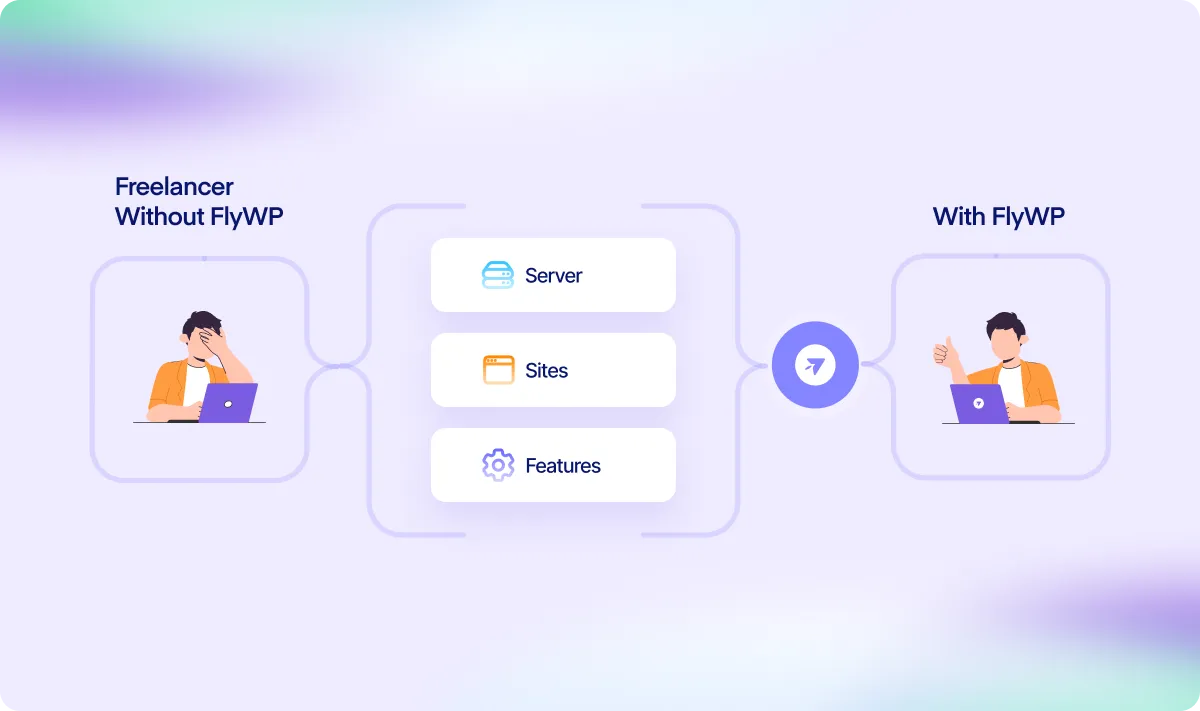
Whether you manage one site or unlimited, FlyWP keeps everything in one place, secure, accessible,
and easy to maintain.
Get powerful site and server management tools without the hefty price tag. Pick the best FlyWP plan that suits your needs.
Tune and manage all your client servers and WordPress sites from one control panel, no need to hop into multiple platforms.
Provision new servers in a few clicks via DigitalOcean or connect your own VPS from any provider like Vultr, Linode, or AWS in no time.
Quickly deploy WordPress, assign domains, enable SSL, and get your projects online faster.
Let your clients access their website. Nothing more, nothing less.
Manage PHP versions, and monitor logs, all without touching the command line. Just slide the button left or right, it’s that simple.
Connect Google Drive, S3, or other cloud storage to back up your client sites regularly and restore when required.
Know the moment a site goes down, so you’re the first to act, not your client. So your client always stay happy.
Manual tasks such as server setup, site management, and other advanced operations for client sites come with more overhead than most freelancers expect. FlyWP clears the clutter so you can focus on what’s more important.
You can avoid all the problems if you continue managing servers with FlyWP
Switching between hosting panels, FTP clients, and admin logins slows down your workflow.
Keeping plugins, themes, and WordPress core up to date across projects is tedious and error-prone.
Giving clients access often means handing over full control or doing everything yourself.
Manual backups are easy to miss and risky if anything breaks during an update.
You only hear about site downtime when your client informs you.
You can avoid all the problems if you continue managing servers with FlyWP
FlyWP brings your servers and sites into a single, easy-to-use control panel. Everything in one place.
Batch update sites and automate maintenance tasks to save hours every week.
Grant clients access to just their site, with limited permissions and no risk to others.
Schedule automatic backups and send them to your preferred cloud storage, like Google Drive or S3.
FlyWP keeps an eye on your sites 24/7 and alerts you instantly if something goes offline.
FlyWP is a great product so far. Everything seems OK and the roadmap is very promising – I hope they will continue to deliver. 😊
Positively surprised! Excellent performance, time optimization, and VPS configuration for WordPress. I recommend it!
Positively surprised! Excellent performance, time optimization, and VPS configuration for WordPress. I recommend it!
Most common queries asked by freelancers like you, are provided here
FlyWP is designed in such a way that even a noob user can manage cloud server and sites at ease. So, no matter which level you’re in, we’ve got you covered.
Yes. You can manage unlimited sites and servers under one account, whether they’re provisioned through FlyWP or added manually.
FlyWP doesn’t host your sites, we give you the control panel to manage the servers you own. You can use DigitalOcean or connect your own.
Yes. FlyWP supports multiple backup destinations, including Google Drive, Amazon S3, Wasabi, and other S3-compatible storage. And you can automate the backup schedule as you prefer.
You can easily share limited or full permission as you prefer to your client with our granular team management feature. Read the documentation here.
FlyWP gives you everything you need to manage VPS, cloud servers, and multiple sites at scale without any complexity or extra hiccups.
Buy Now


