
This is one of our biggest FlyWP releases yet.
Whether you’re migrating from another platform, managing a growing infrastructure, or deploying applications beyond WordPress, this update is built to make your workflow faster and more flexible.
From Bulk Migration and Laravel/PHP/Symfony support to the all-new Fleet Dashboard, we’ve introduced several major features that expand what you can build and manage with FlyWP.
Let’s explore everything new.
🚀 New Features:
Bulk Migration
Moving multiple websites into FlyWP has never been easier.
Introducing the new Bulk Migration extension, designed to help you migrate multiple WordPress sites from supported platforms in one streamlined workflow.
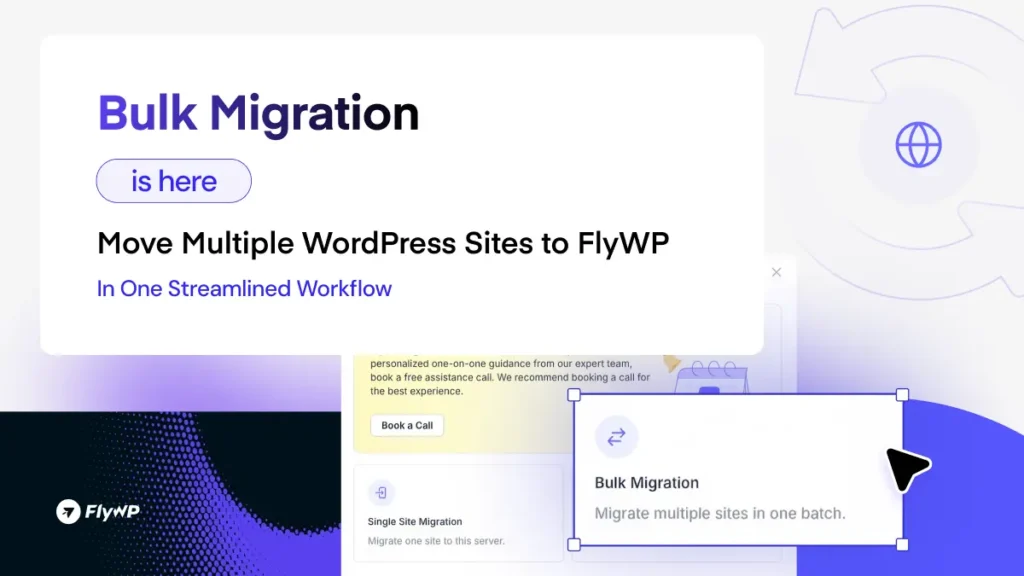
The first supported migration source is Cloudways, with more platforms coming soon.
Whether you’re moving a handful of sites or an entire client portfolio, Bulk Migration dramatically reduces the time and effort required to get started with FlyWP.
Benefits
- Migrate multiple websites in one workflow
- Save hours of repetitive migration work
- Ideal for agencies and high-volume site management
- More migration sources coming soon
Laravel, PHP & Symfony App Support
FlyWP is no longer just for WordPress.
You can now deploy and manage Laravel, plain PHP, and Symfony applications directly from FlyWP.
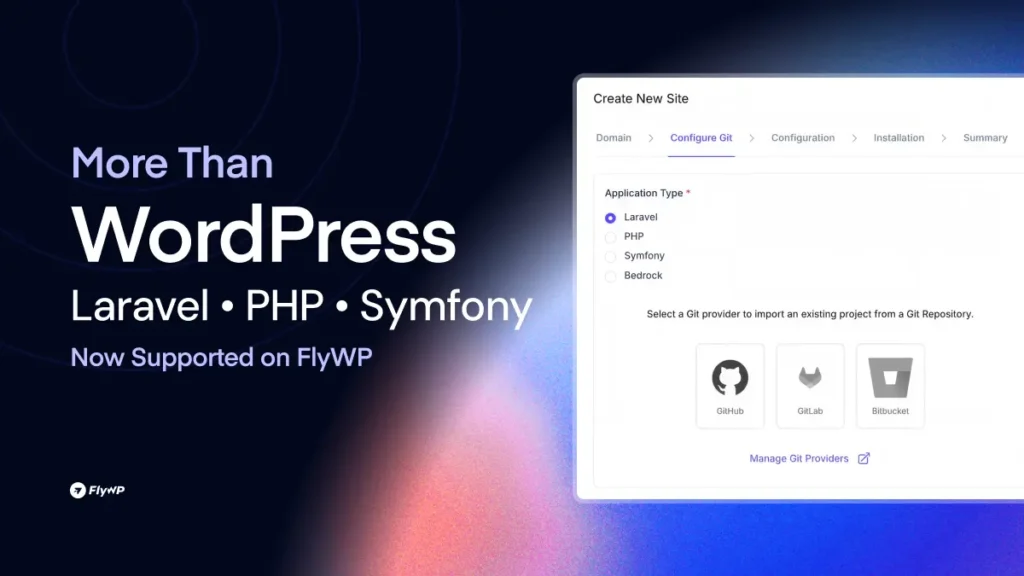
This makes FlyWP a more versatile application management platform, allowing developers and teams to host different types of PHP applications alongside their WordPress projects.
Benefits
- Deploy Laravel applications
- Host Symfony projects
- Run custom PHP applications
- Manage multiple application types from one platform
Bedrock Support on OpenLiteSpeed
Running Bedrock on OpenLiteSpeed is now officially supported.
This release includes full Bedrock compatibility along with automatic exec-user cleanup, providing a cleaner deployment experience and improved server security.
Activity Log:
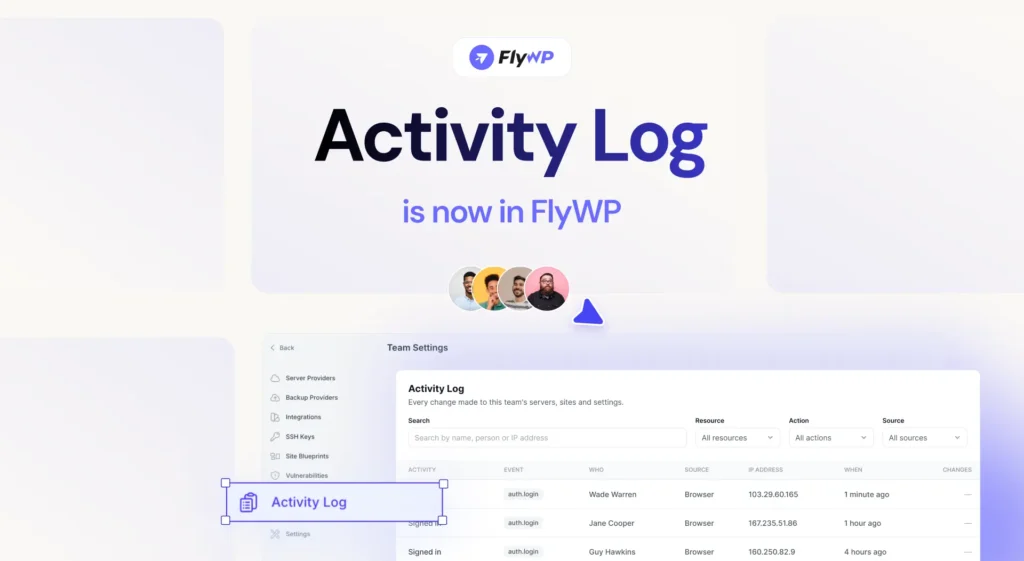
Full transparency across your FlyWP fleet. The new Activity Log keeps a detailed record of actions across servers, sites, and teams, making it easier to track changes, improve accountability, and maintain a clear audit trail.
Seamless GitHub Reconnect
Reconnect GitHub without losing your connection history. If GitHub access is accidentally revoked, you can now reconnect without removing the existing provider entry, keeping your linked repositories and history intact.
New Fleet Dashboard
Managing multiple servers and websites just became much easier.
The new Fleet Dashboard introduces a redesigned left sidebar navigation alongside a live infrastructure overview.
You can instantly browse your servers and websites using sortable and filterable site lists, making large environments significantly easier to manage.
Highlights
- New left sidebar navigation
- Live fleet overview
- Sortable site lists
- Powerful filtering
- Faster navigation across your infrastructure
Streamlined Team Onboarding
Inviting teammates is now simpler than ever.
We’ve combined the invitation acceptance and registration process into a single streamlined flow, reducing friction and helping new team members get started faster.
🚀 Improvements:
- Context-Aware ⌘K Command Palette: The ⌘K Command Palette is now even smarter. Instead of starting from scratch each time, it automatically opens within the context of the server or site you’re currently viewing, helping you reach your destination with fewer clicks.
- Cleaner SFTP Username Format: We’ve refined the SFTP username placeholder by removing separators, creating a cleaner and more consistent naming format across FlyWP.
🛠️ Bug Fixes
This release also includes several important fixes to improve reliability across the platform.
- Site Deletion with Disconnected Git Providers: Resolved an issue where site deletion could hang if the connected Git provider had already been disconnected. Sites can now be removed cleanly regardless of the Git provider’s connection status.
- Vaultwarden Domain Synchronization: Fixed an issue where the Vaultwarden
DOMAINenvironment variable wasn’t updating after a domain change. Your Vaultwarden deployment now correctly reflects the latest domain configuration. - Git-Based Site Reliability: Improved site creation, deployment, and configuration save flows for Git-based sites, providing a smoother and more reliable experience for developer workflows.
- Atomic Primary-Domain Rename: Primary-domain renames are now fully atomic with built-in retry logic and automatic recovery for incomplete operations, preventing stuck or partially completed renames.
- True SMTP Egress Verification: SMTP egress checks are now performed directly from the server responsible for sending the email, ensuring deliverability verification accurately reflects real-world sending conditions.
Want to See the New Features in Action?
Book a free 15-minute 1:1 demo with one of our product specialists and see how Bulk Migration, the Fleet Dashboard, Laravel support, and other new capabilities can help you manage your infrastructure faster with FlyWP.
Wrapping Up
This release represents a major step forward for FlyWP.
From Bulk Migration and support for Laravel, PHP, and Symfony to the brand-new Fleet Dashboard, we’re expanding FlyWP beyond traditional WordPress server management while continuing to improve the experience for existing users.
Combined with workflow enhancements, smarter navigation, and reliability improvements, this update makes FlyWP more powerful, flexible, and scalable than ever before.
As always, we’ll continue refining FlyWP based on real-world usage and community feedback. If you encounter anything unexpected or have suggestions, feel free to share them with us. More improvements are on the way.
More improvements are already on the way. As always, thank you for building with FlyWP.