
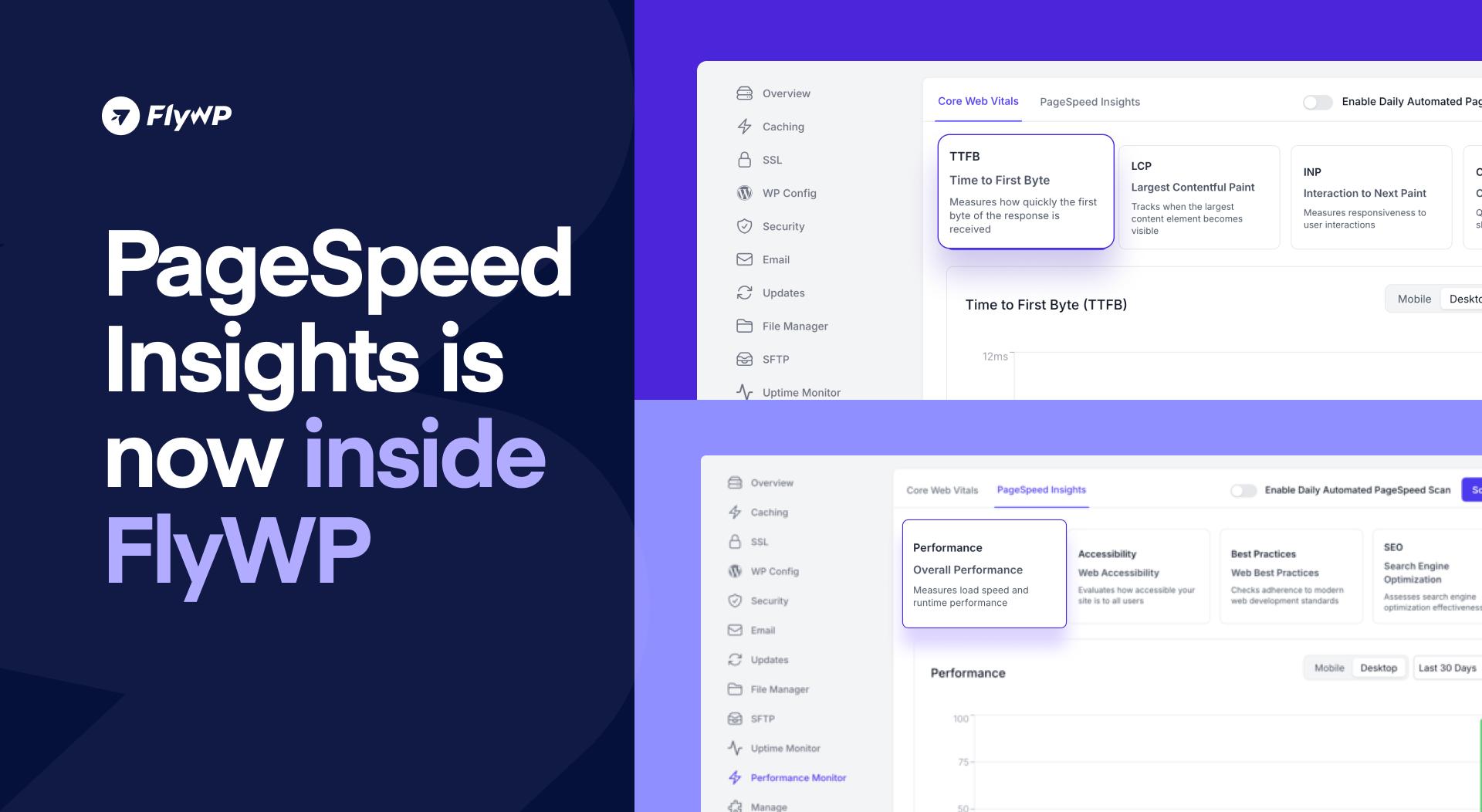
Analyze site performance directly with PageSpeed Insights, get accurate visitor IPs in Nginx access logs when using Cloudflare, and benefit from important fixes that make FlyWP more reliable and predictable for everyday WordPress management.
Let’s take a closer look at what’s new 👇
✨ New Features:
1. PageSpeed Insights Integration:
You can now analyze your site’s performance directly inside FlyWP using Google PageSpeed Insights.
With this update, you can:
- Run PageSpeed performance checks without leaving your dashboard
- Get clear insights into speed, performance, and optimization opportunities
- Save time by avoiding external tools and manual testing
This makes performance monitoring faster, simpler, and more accessible for all FlyWP users.
2. Real Visitor IP Logging with Cloudflare:
FlyWP now ensures real visitor IP addresses are correctly logged in Nginx access logs, even when your site is behind a Cloudflare proxy.
This improvement helps with:
- More accurate traffic analysis
- Better security monitoring and auditing
- Improved compatibility with analytics and security tools
Fixes:
- Password Validation Improvements: Password validation now correctly supports all special characters, ensuring a smoother and more flexible authentication experience.
- Site Info Display Logic: Site information is now displayed conditionally based on site type, reducing confusion and improving clarity across the dashboard.
These updates are live now – log in to your FlyWP dashboard and explore the latest improvements!
🔥 Hotfixes & Stability Enhancements:
A series of fixes and improvements make FlyWP more robust and predictable:
Code Editor Improvements:
- Standardized Unix line endings
- Corrected editor build imports for improved reliability
SFTP and Certificates Improvements:
- Resolved SFTP relationship issues
- Fixed incorrect certificate active states to ensure accurate status reporting
Wrapping Up
This update focuses on performance visibility, accurate logging, and platform stability, making FlyWP even more dependable for managing WordPress sites and servers.
If you have questions or encounter any issues while exploring these new features, our team is just a click away on Live Chat – we’re always here to help. And of course, stay tuned for more improvements that are already on the way!