v2026.41
New in FlyWP: HTTP/3 Toggle Support & Reliability Improvements
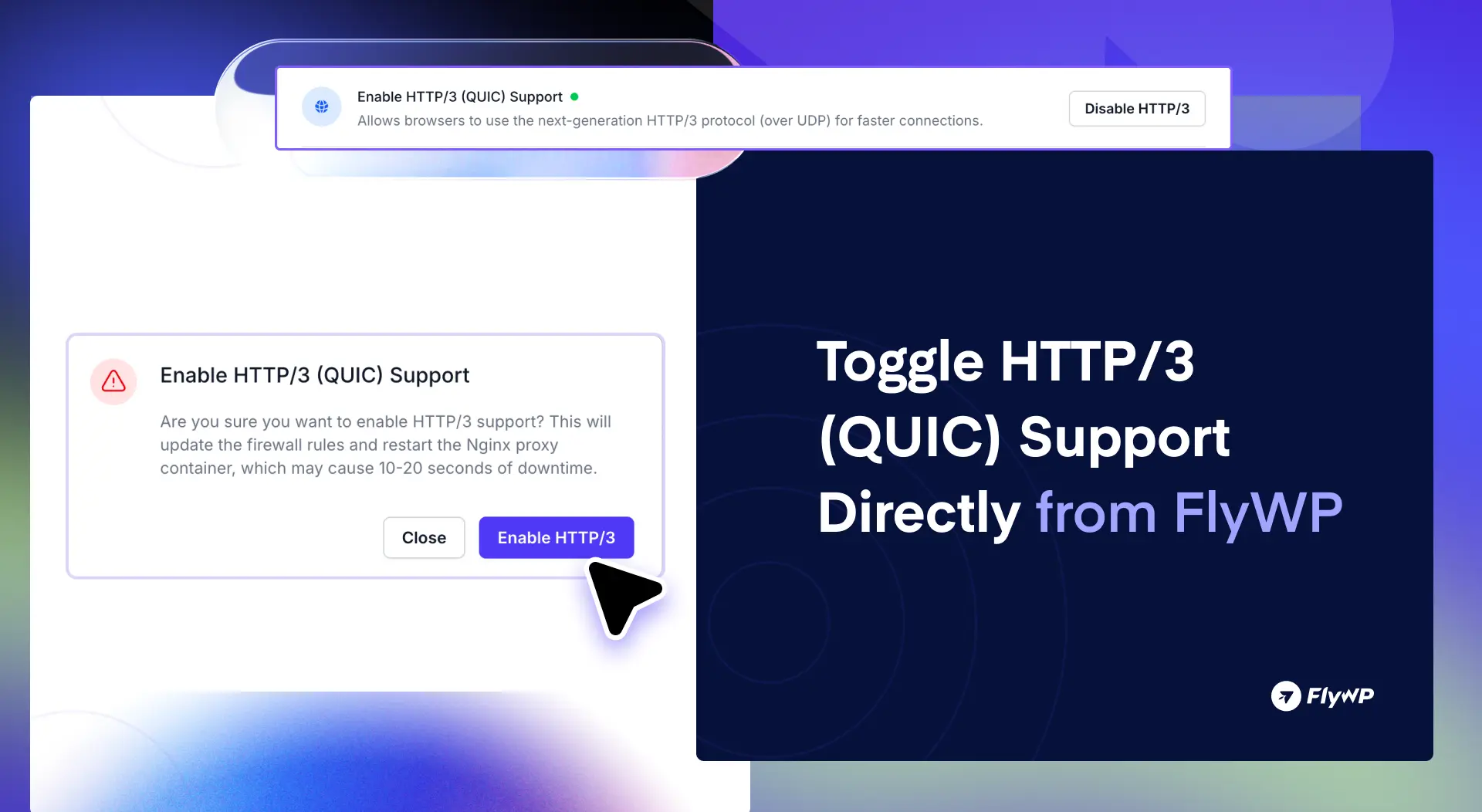
We’re rolling out another FlyWP update focused on giving you more control, improving protocol compatibility, and enhancing overall platform reliability. This release introduces an HTTP/3 toggle for NGINX proxy configurations, along with several important fixes across backups, permissions, site management, and cloning workflows.
Let’s dive into what’s new 👇
✨ Features
🌐 HTTP/3 (QUIC) Support Toggle
You can now enable or disable HTTP/3 (QUIC) support directly from the NGINX proxy settings in FlyWP.
This dedicated toggle gives you greater flexibility when managing modern protocol compatibility and performance optimization for your sites.
- Easily manage HTTP/3 support
- Better control over NGINX proxy behavior
- Improved compatibility for different environments and workloads
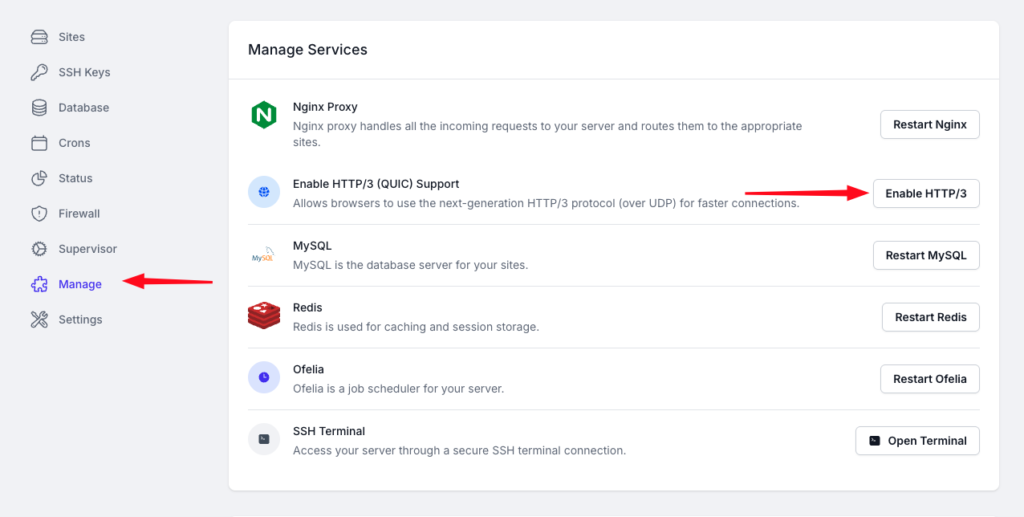
Whether you want to take advantage of modern web performance enhancements or maintain compatibility with specific setups, the control is now in your hands.
🛠️ Improvements:
- Servers Page Visibility Fix: Resolved an issue where users without the necessary permissions could still see a blank “Servers” menu item in the dashboard.
- Site Rename Conflict Handling: Improved concurrent site rename handling to prevent conflicts and failed rename operations when multiple actions occur simultaneously.
- Vulnerability Scanner Permission Fix: Fixed vulnerability scanner issues caused by incorrect
wp-config.phpfile permissions. - LiteSpeed Redis Credential Sync: Updated site cloning scripts to properly refresh LiteSpeed Redis credentials after cloning a site.
- Backup Error Handling Improvements: Resolved backup execution failures caused by missing function errors.
Still have questions? See FlyWP in action!
Book a free 15-minute 1:1 demo with our specialist and see how easily you can deploy, manage, and scale WordPress servers – on your own cloud or through FlyWP-managed hosting.
Wrapping Up
This release also includes several smaller refinements and reliability improvements to make your FlyWP experience smoother and more stable every day.
These updates are now live – head over to your FlyWP dashboard and explore the improvements.
If you have any questions or feedback, feel free to reach out via Live Chat. We’re always here to help!
As always, we’ll continue refining FlyWP based on real-world usage and community feedback. If you encounter anything unexpected or have suggestions, feel free to share them with us. More improvements are on the way