v2026.40
FlyWP Update: Cloudflare Origin CA Certificate Install & UX Improvements
We’re back with another update focused on making FlyWP faster, simpler, and more reliable for your day-to-day workflow. This release introduces easier SSL management with Cloudflare integration, along with a helpful interface improvement for a smoother experience.
Let’s explore what’s new 👇
✨ Features
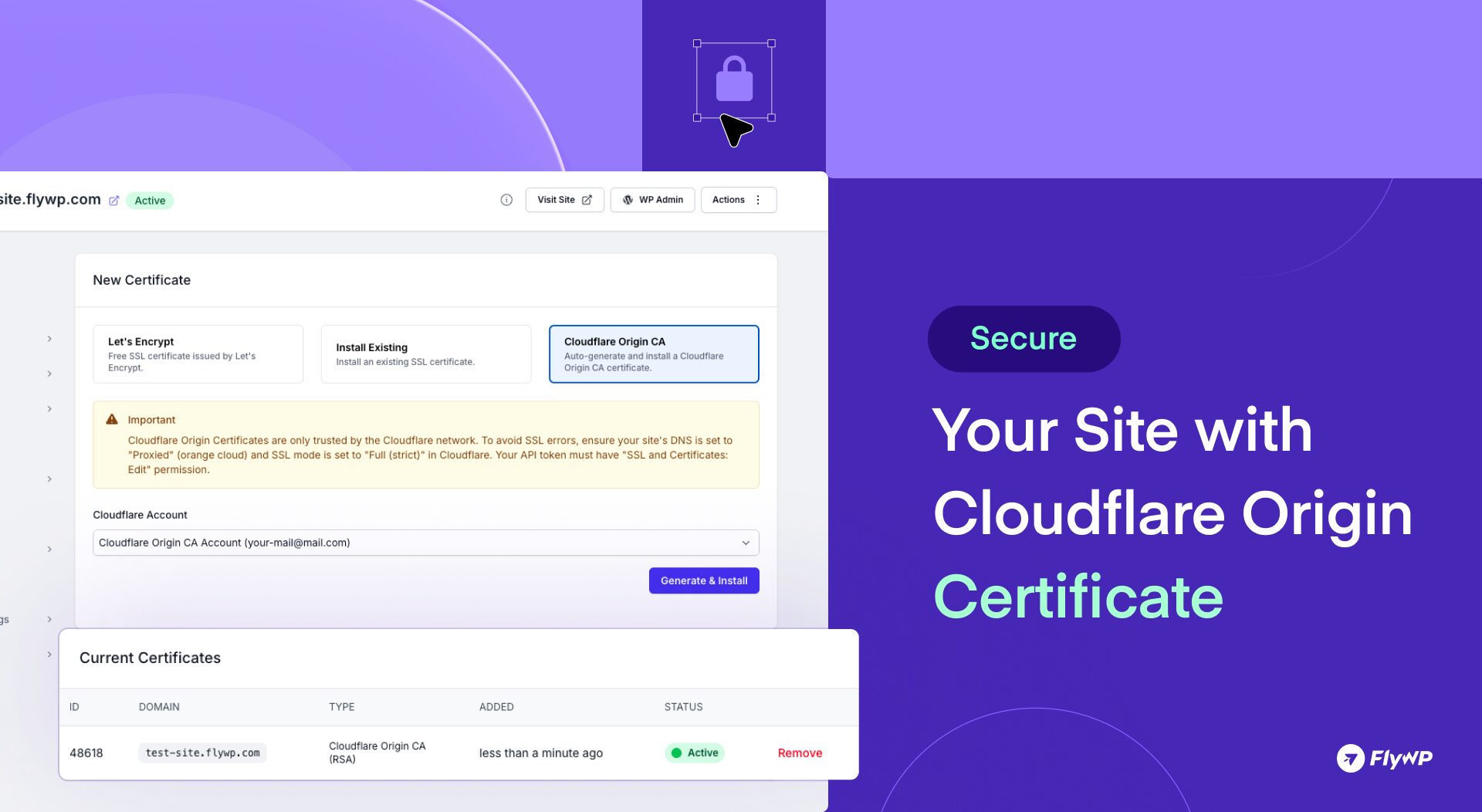
Cloudflare Origin CA Certificate Install
You can now install a Cloudflare Origin CA certificate directly on your server from the SSL settings inside FlyWP.
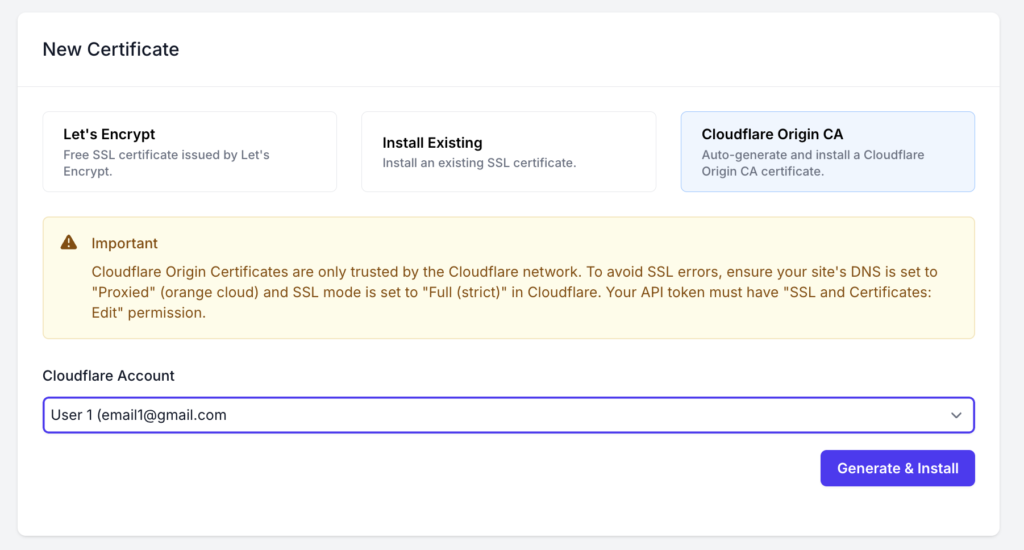
No more manual setup or switching between dashboards. Simply:
- Select your connected Cloudflare account
- Click Generate & Install
- Secure your origin server instantly
This makes it easier than ever to secure your sites behind Cloudflare while simplifying SSL management from one place.
Still have questions? See FlyWP in action!
Book a free 15-minute 1:1 demo with our specialist and see how easily you can deploy, manage, and scale WordPress servers – on your own cloud or through FlyWP-managed hosting.
🛠️ Bug Fixes:
[Improvements] Blueprints Submit Button Alignment: We’ve improved the alignment of the Blueprints submit button for a cleaner and more polished user experience.
Wrapping Up
This release also includes a round of smaller fixes and refinements to improve the overall reliability and usability of FlyWP.
These updates are now live – head over to your FlyWP dashboard and explore the improvements.
If you have any questions or feedback, feel free to reach out via Live Chat. We’re always here to help!
As always, we’ll continue refining FlyWP based on real-world usage and community feedback. If you encounter anything unexpected or have suggestions, feel free to share them with us. More improvements are on the way