
Did you know that 53% of mobile users abandon a site if it takes longer than 3 seconds to load?
For a high-traffic ecommerce store, speed is not just a nice to have. It is the difference between a record-breaking sales month and a failed campaign. I have seen it happen too often. A store launches a Black Friday promotion, traffic spikes by 500%, and the shared hosting server crashes instantly.
The result is predictable. Angry customers, abandoned carts, lost revenue, and damaged brand trust.
If you are running a high-traffic WooCommerce store with 50,000 or more monthly visits, even unlimited shared hosting is not enough. Ecommerce sites require infrastructure built for concurrency, database-heavy operations, and consistent global performance.
In this guide, I will show you the best WordPress hosting providers for high-traffic ecommerce sites, along with the exact features that matter most for scalability, speed, and reliability.
7 Best Hosting Providers for High-Traffic WooCommerce Sites
I’ve tested dozens of hosts under real-world traffic surges, tracking speed (LCP), uptime, and WooCommerce features to see which ones can actually handle high-traffic ecommerce stores. Here are my top 7 hosting providers for high-traffic WooCommerce stores that consistently deliver fast, stable, and scalable performance:
| Hosting Provider | Uptime | Caching | Best For | Capacity | Monthly Cost |
|---|---|---|---|---|---|
| FlyWP | 99.99% | Redis + Nginx + OpenLiteSpeed | Growing to Enterprise WooCommerce Stores | True auto-scaling VPS handles 100k+ visitors | From $7 |
| WordPress VIP | 99.99% | Server + Edge CDN caching | Large Enterprise WooCommerce Stores | High concurrency with enterprise-grade auto-scaling | From $200+ |
| Kinsta | 99.99% | Server + Edge CDN caching | Enterprise WooCommerce | Container-based auto-scaling | From $39 |
| WP Engine | 99.99% | EverCache + CDN | Agencies / High-Traffic WooCommerce | Partial auto-scaling | From $35 |
| Rocket.net | 99.98% | Redis + CDN | Performance-Focused WooCommerce Stores | Handles spikes efficiently with global edge network | From $30 |
| Liquid Web | 100% | Server-side caching | Dedicated WooCommerce | Manual scaling, full server control | From $150 |
| A2 Hosting | 99.9% | LiteSpeed caching | Entry-Level WooCommerce | Limited capacity for spikes | From $50 |
FlyWP – Managed WordPress Cloud Hosting, Built for Speed, Control & Security
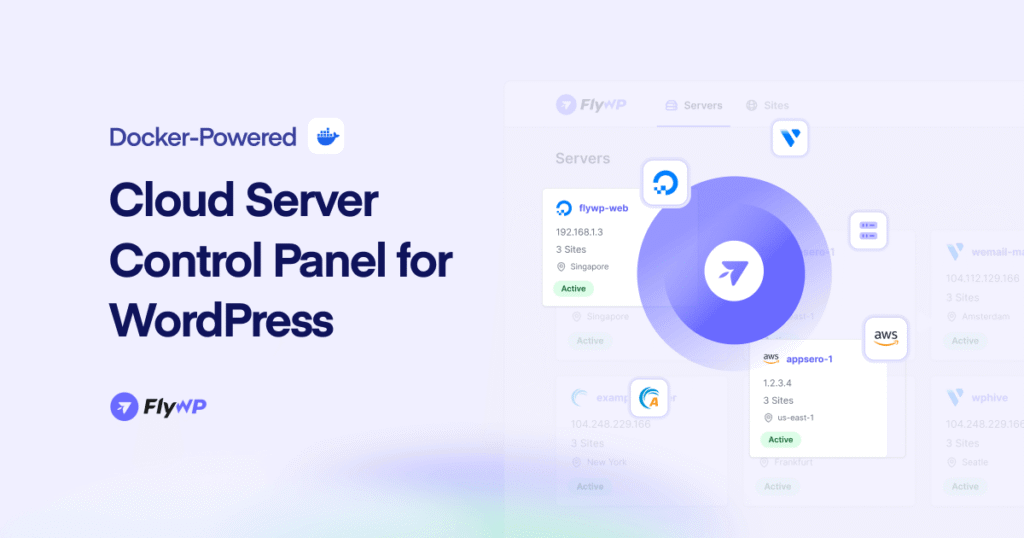
FlyWP is a Docker‑powered managed WordPress cloud hosting platform built specifically to solve the challenges that high‑traffic WooCommerce stores face. If you’ve ever watched your server slow down during a flash sale or crash when traffic spikes, you know the frustration of losing customers and revenue. FlyWP eliminates that pain by delivering consistent performance, real scalability, and rock‑solid reliability, so your store stays online and fast no matter how many visitors arrive at once.
Unlike generic “WordPress hosting” plans that struggle to handle dynamic ecommerce loads, FlyWP runs each site in an isolated container using Nginx or OpenLiteSpeed. That ensures your store isn’t affected by noisy neighbors or shared resource limits. FlyWP also integrates seamlessly with major cloud providers like DigitalOcean, AWS, Vultr, and Linode, so you get enterprise‑grade infrastructure without enterprise pricing.
WooCommerce‑specific features
- True auto‑scaling VPS: Resources grow automatically with demand, so your store doesn’t break when traffic surges.
- Server‑level caching with Redis: Dynamic WooCommerce operations like cart updates and checkout flow remain fast, even under heavy load.
- Global edge CDN with 300+ PoPs: Products, images, and checkout pages load quickly for customers anywhere in the world.
- One‑click staging environments: Safely test plugin updates, theme changes, and payment integrations before deploying them live.
- Daily automated backups and easy restores: Your data stays protected and recoverable without effort.
- Built‑in security essentials: Free SSL, firewall, DDoS protection, and malware scanning keep your store safe and compliant.
- Developer‑friendly tools: Git, WP‑CLI, and Config Manager help teams streamline workflows and deployments.
- 24/7 WooCommerce expert support: Real help from specialists who understand ecommerce performance and scaling.
Benefits for High-Traffic Stores
- Fast and reliable checkout even during flash sales
- Smooth handling of hundreds of thousands of visitors simultaneously
- Optimized for global audiences with minimal latency
- Reduces risk of downtime and lost revenue
2. WordPress VIP
WordPress VIP is enterprise-level managed WordPress hosting designed for large-scale WooCommerce stores with high traffic. It provides global infrastructure and dedicated support to keep stores fast and reliable.
WooCommerce-specific Features
- Automatic scaling for high traffic and large catalogs
- Global CDN for consistent load times internationally
- Staging environments for safe testing
- Dedicated WooCommerce support for troubleshooting
Benefits for High-Traffic Stores
- Maintains uptime during traffic spikes
- Faster product and checkout page loads worldwide
- Reduces risk of downtime impacting sales
- Simplifies updates without affecting the live store
3. Kinsta
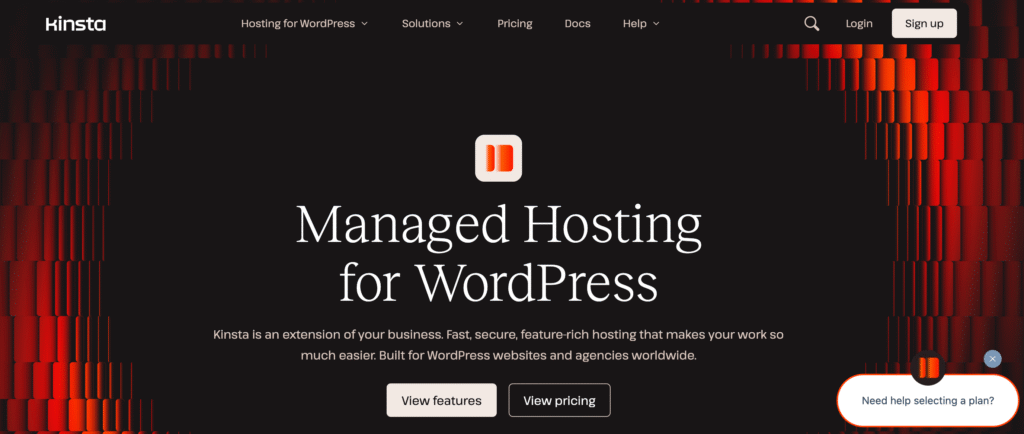
Kinsta is a managed WordPress host powered by Google Cloud, focused on performance and reliability. Ideal for stores with larger budgets that need hands-off hosting and strong uptime.
WooCommerce-specific Features
- Isolated container hosting for consistent performance
- Edge caching and CDN to speed up global delivery
- One-click staging for safe plugin and theme testing
- Daily backups and free SSL
Benefits for High-Traffic Stores
- Stores remain fast during campaigns or promotions
- Reliable uptime even under heavy traffic
- Quick staging for testing new features without risk
4. WP Engine
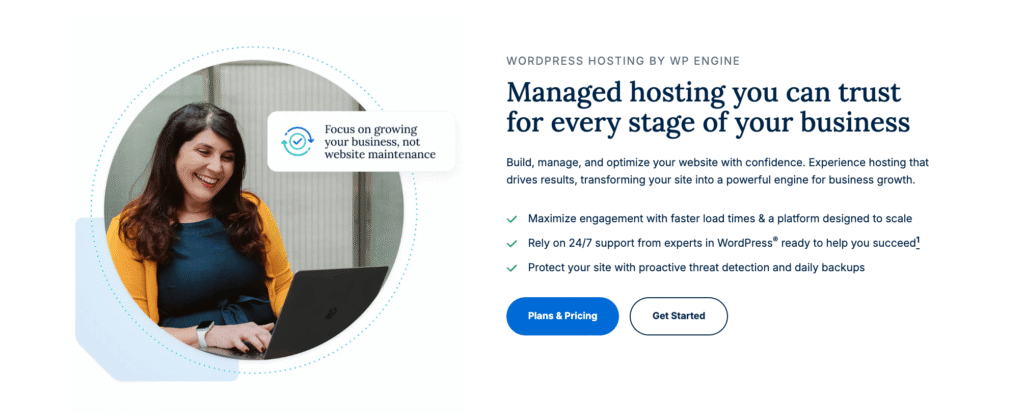
WP Engine provides managed WooCommerce hosting aimed at agencies and growing stores. It focuses on speed, reliability, and security, making it capable of handling traffic surges like holiday rushes.
WooCommerce-specific Features
- Smart caching to quickly respond to customer queries
- Instant search results for relevant product display
- Customizable WooCommerce Gutenberg blocks
- SSL, CDN, and automated backups
- Smart Plugin Manager for automatic plugin updates
Benefits for High-Traffic Stores
- Maintains fast page loads during high-demand periods
- Reduces cart abandonment by improving checkout speed
- Protects store data with automated backups and security tools
5. Rocket.net
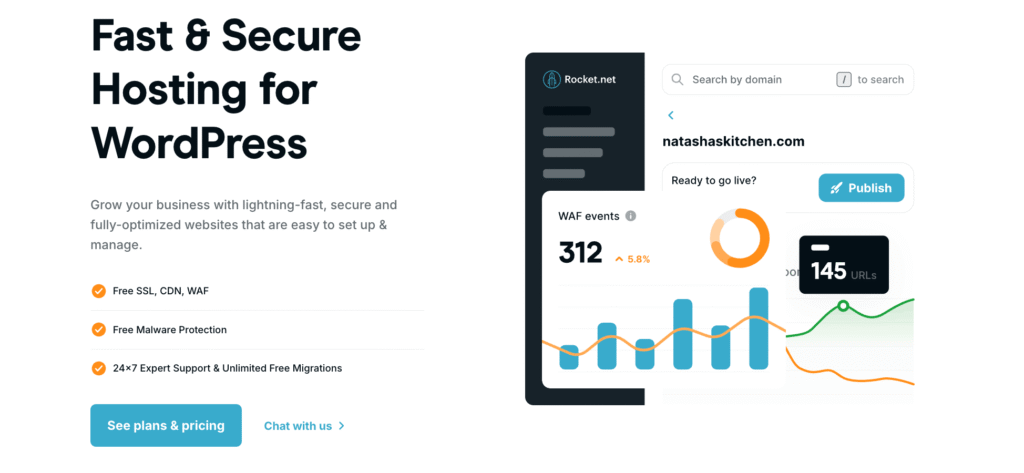
Rocket.net is a performance-focused managed WordPress host optimized for WooCommerce. It leverages edge computing and a global CDN to deliver fast load times worldwide.
WooCommerce-specific Features
- Edge caching for faster product and checkout pages
- Automatic updates and security monitoring
- One-click staging and backups
- Built-in CDN and SSL for international coverage
Benefits for High-Traffic Stores
- Optimized for speed during peak shopping hours
- Quick content delivery to global customers
- Reduces risk of downtime and slow checkout
6. Liquid Web

Liquid Web offers dedicated hardware hosting with WooCommerce-specific optimizations. Perfect for stores needing consistent performance and full resource control.
WooCommerce-specific Features
- Dedicated servers for stable, high-speed performance
- Built-in Redis caching for fast cart and search
- Global CDN for worldwide delivery
- Staging environments and automated backups
Benefits for High-Traffic Stores
- Handles large numbers of simultaneous visitors
- Reliable speed and uptime for major promotions
- Reduces performance bottlenecks with dedicated resources
7. A2 Hosting
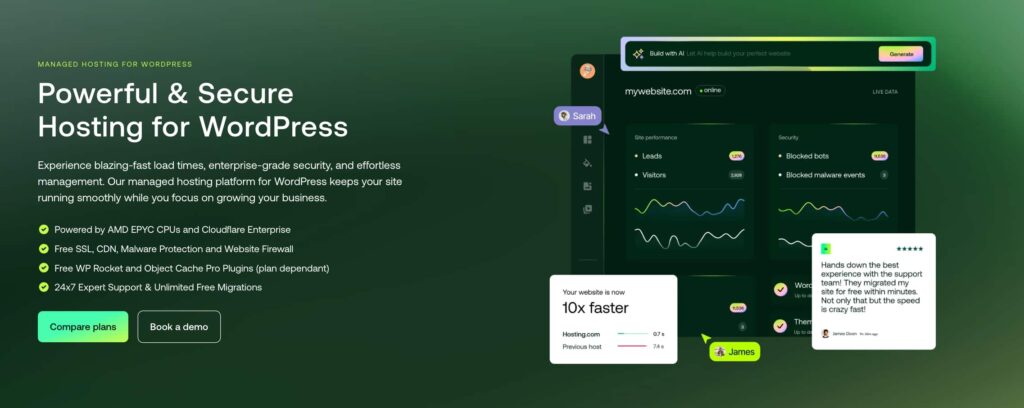
A2 Hosting provides WooCommerce-ready servers with LiteSpeed caching and Turbo plans, ideal for stores moving beyond shared hosting.
WooCommerce-specific Features
- LiteSpeed servers with LSCache plugin for faster pages
- Turbo plans to handle moderate traffic spikes
- One-click WooCommerce installation and free SSL
- Automated daily backups and 24/7 support
Benefits for High-Traffic Stores
Provides affordable entry-level hosting with global reach
Improved page speed for product and cart pages
Handles moderate seasonal or campaign traffic
Why High-Traffic WooCommerce Demands Better Hosting
I’ve worked with a lot of high-traffic WooCommerce stores, and here’s the reality: dynamic ecommerce sites are very different from blogs. Every time a visitor adds an item to their cart, calculates shipping, or checks out, your server has to process that specific user’s data in real time. Unlike blogs, caching alone won’t solve this.
Cart Abandonment Kills Revenue
Speed matters. Data shows 53% of mobile visitors abandon a site that takes longer than 3 seconds to load. Slow checkout equals lost sales. For high-traffic stores, milliseconds matter – every extra second costs real money.
Traffic Surges Break Cheap Hosting
Shared hosting works on “fair usage” rules. Hit a flash sale or a seasonal spike (like 500% traffic growth) and the server will throttle your CPU to protect other users. Result: Error 503: Service Unavailable. That’s revenue you’ll never get back.
Latency Slows Global Stores
If your server is in New York but your buyers are in Sydney, every request has to travel across the globe. This lag—or latency—directly reduces conversion rates in international markets. High-performance WooCommerce hosting needs a global edge network and CDN to solve this.
WooCommerce Is Database-Heavy
High-traffic stores (50K+ daily visitors) generate massive database queries for carts, checkout, and accounts. Without NVMe storage, object caching, and optimized query handling, your database becomes the bottleneck, even if your homepage loads fast.
The takeaway: High-traffic WooCommerce stores need more than basic hosting. They need auto-scaling, global CDN, optimized caching, and secure containers to keep carts moving, pages fast, and revenue flowing.
Must-Have Features for High-Traffic WooCommerce Hosting
When I evaluate hosting for high-traffic WooCommerce stores, I ignore marketing fluff like “unlimited bandwidth.” Those claims don’t actually help during real traffic spikes. Instead, I focus on these technical pillars that directly impact speed, stability, and revenue.
1. Performance and Speed
- LCP < 2.5s: Largest Contentful Paint matters. Slow load times kill conversions.
- NVMe SSD Storage: Traditional SSDs aren’t fast enough for large, dynamic databases. NVMe is 3–4x faster, so carts and checkouts never lag.
- Edge CDN: A global Content Delivery Network with 300+ PoPs ensures images, CSS, and static assets load from the server closest to your users. This is critical for stores with international traffic.
2. WooCommerce-Specific Optimizations
- Server-Level Caching: Plugins alone aren’t enough. Nginx or Varnish caching at the server level ensures your pages stay fast under heavy load.
- Object Cache Pro (Redis): Non-negotiable for high-traffic stores. Redis stores results of complex database queries so your server doesn’t have to rebuild them for every visitor, keeping checkouts smooth and responsive.
3. Scalability
- Auto-Scaling: Your host should automatically add CPU and RAM during traffic surges and scale down afterward, so your store never crashes.
- Vertical vs. Horizontal Scaling: Vertical scaling boosts a single server’s power, while horizontal scaling distributes traffic across multiple servers. High-traffic stores usually need a combination of both to stay reliable.
4. Security Features
- DDoS Protection & WAF: Bots or competitors can try to take your store offline. A Web Application Firewall blocks attacks before they hit your server.
- PCI Compliance: Essential for securely handling credit card transactions and building customer trust.
How to Choose the Right Host for Your WooCommerce Store
Picking a host isn’t guesswork. I always follow a simple audit process to make sure the host can handle my traffic and keep my store fast under real-world conditions.
Step 1: Audit Your Traffic Needs
Check your analytics (GA4) to understand your traffic patterns:
- < 10k monthly visits: Shared hosting is usually fine.
- 10k–50k monthly visits: Upgrade to a VPS for stability.
- 50k+ daily peaks: You need high-performance cloud hosting with auto-scaling, otherwise your store will struggle during spikes.
Step 2: Test Hosting Performance
Before committing, always test the host:
- Sign up for a trial or free plan.
- Use GTmetrix or PageSpeedInsights to check TTFB (Time to First Byte) from multiple global locations.
- If TTFB is over 500ms, the host is too slow for a high-traffic store.
Step 3: Prioritize WooCommerce-Specific Features
Not all hosts handle WooCommerce equally. Ask:
- “Is Redis Object Caching included and pre-configured?”
- “Do you offer server-level caching optimized for dynamic pages?”
If the answer is no, look elsewhere. These features directly affect checkout speed and user experience.
Step 4: Migrate with Zero Downtime
Moving a live store is risky. Always choose hosts that offer:
- Free migration tools or automated syncs
- Downtime-free migration, so customers never hit “Service Unavailable”
FlyWP, for example, handles migrations without taking your store offline.
Step 5: Monitor Performance After Migration
Once your store is live:
- Track bounce rate, page load speed, and uptime.
- Aim for 99.99% uptime SLA—even a few minutes of downtime during sales can cost thousands in lost revenue.
Maintenance & Prevention Tips for Stable WooCommerce Performance
Even the fastest host can’t save a store that isn’t properly maintained. Here’s what I recommend to keep your WooCommerce site fast, secure, and reliable:
1. Keep Everything Updated
Always update WordPress, WooCommerce, and plugins. Outdated code is not only a security risk but also slows down your site.
2. Optimize Your Images
High-resolution product images can crush load times. Use tools like ShortPixel or TinyPNG to compress images automatically without losing quality.
3. Run Routine Audits
Check your uptime and page speed every month with tools like Pingdom or UptimeRobot. This helps catch issues before they affect customers.
4. Perform Database Housekeeping
WooCommerce stores logs, transients, and session data that can bloat your database. Clean it weekly to keep your checkout fast and queries efficient.
5. Have a Solid Backup Strategy
Never rely only on your host. Schedule daily off-site backups using tools like UpdraftPlus and store them in secure cloud storage. This ensures you can recover quickly from any mishap.
Based on performance, scalability, and value, FlyWP is the top choice. Kinsta is a strong runner-up for enterprise budgets.
How do I know if I need high-traffic hosting?
If your site slows down during sales events, your WP-Admin dashboard feels sluggish, or you are exceeding 50,000 monthly visitors, it’s time to upgrade.
Shared hosting puts hundreds of sites on one server, competing for resources. Managed hosting gives you dedicated resources and handles technical tasks like security, caching, and updates for you.
Generally, shared hosting struggles past 10,000 to 25,000 monthly visitors, especially if they are browsing and buying simultaneously.
Yes. The cost of one hour of downtime during a sale usually exceeds the annual cost of premium hosting. You are paying for reliability and speed.
The Bottom Line
Your hosting is the backbone of your WooCommerce store. If it can’t handle traffic spikes, slow load times and downtime will cost you sales and customers.
High-traffic stores need more than marketing promises, they need dedicated resources, server-level caching, and instant scalability to keep your site fast and reliable.
Choosing the right host now means you won’t lose revenue during your next big sale or viral campaign.
Recommended: For stores that need speed, reliability, and stress-free scaling, FlyWP is built to handle high traffic so your business stays online and performing at its best.