

Best Cloudflare WAF Rules to Protect Your WordPress Site
Secure your WordPress site with proven Cloudflare WAF rules – easy to apply, no tech skills needed. Fully compatible with FlyWP and any modern WordPress setup.
Secure your WordPress site with proven Cloudflare WAF rules – easy to apply, no tech skills needed. Fully compatible with FlyWP and any modern WordPress setup.

This guide will walk you through everything from generating an SSL certificate on Cloudflare to installing it on your web server – ensuring your site is protected and fully encrypted.
A practical guide to applying CIS Benchmarks to WordPress hosting stacks – covering server, database, and configuration hardening.
Learn the most common WordPress caching mistakes, why they happen, and how to fix WordPress cache problems properly. Avoid WooCommerce checkout errors, outdated content, and cache conflicts with this step-by-step guide.
Is your WordPress stuck in maintenance mode? Learn why the WordPress maintenance mode error happens, how to fix it safely, and prevent your site from getting stuck again in 2026.

Learn how to fix the critical error in Wordpress in 2025. Here’s the fully explained guide to fix the critical errors in your WordPress site.

This guide covers WordPress security at all levels, from quick, beginner-friendly steps to intermediate hardening and enterprise-grade strategies. Whether you’re running a personal blog or a high-traffic e-commerce site, you’ll get actionable tips and understand why each measure matters to protect your digital assets.
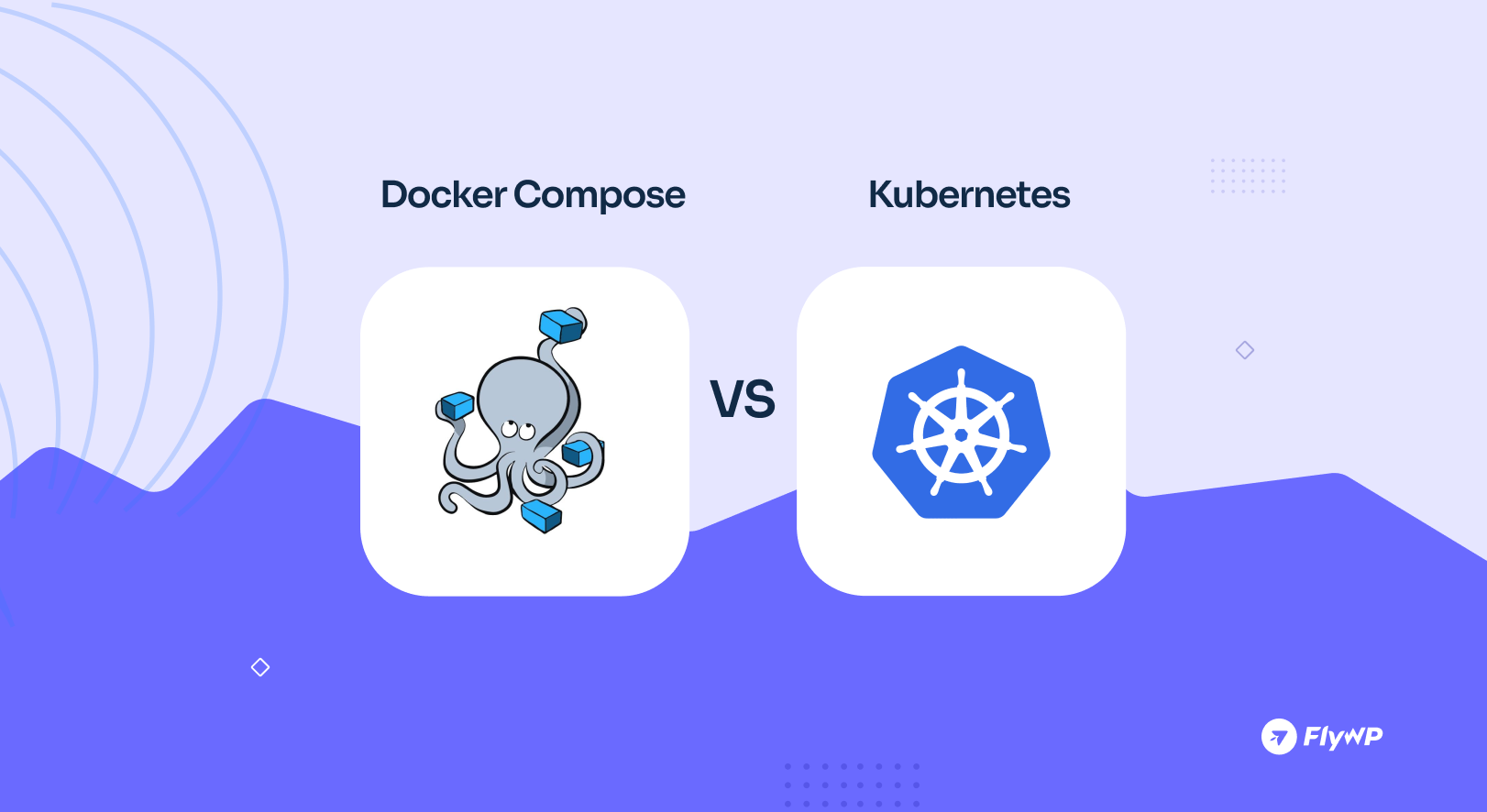
What’s the best choice for WordPress: Docker Compose or Kubernetes? Is Kubernetes overkill for your site? We have explained all the pros, cons, and real-world scenarios to help you choose the simplest, fastest, and most cost-effective option for your needs.

This guide covers everything you need to know about monitoring server performance, including how to pick the best tools, understand the data, and fix common server issues.

Discover the key server performance metrics you need to monitor for speed, uptime, and user satisfaction – with a handy cheat sheet.
Slow WordPress server response time killing your site speed? Learn what causes it and how to fix it fast with real, practical tips that actually work.
Learn how to self-host your own email using Docker Mailserver. This step-by-step guide walks you through setup, configuration, and best practices – no sysadmin degree needed.

Docker powered blazing fast and optimized WordPress site management platform on the cloud
© 2026, FlyWP Inc. All rights are reserved.
